Online giving and autopay that members actually use
A simple giving page, monthly gifts and dues on a saved card, and pledges that remind themselves. Members give in seconds; the treasurer stops chasing.
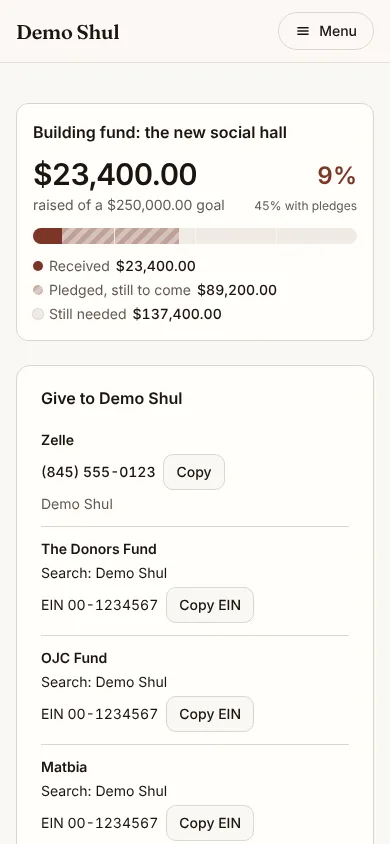
Give in seconds from a phone
A clean giving page for a campaign, a yahrzeit or a general gift, with the option for the donor to cover the card fee.
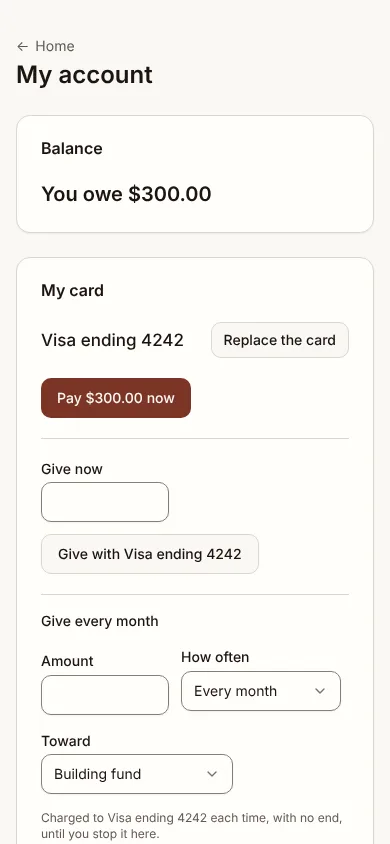
Members manage their own account
Their balance, their saved card, monthly giving and receipts, all on their own page.
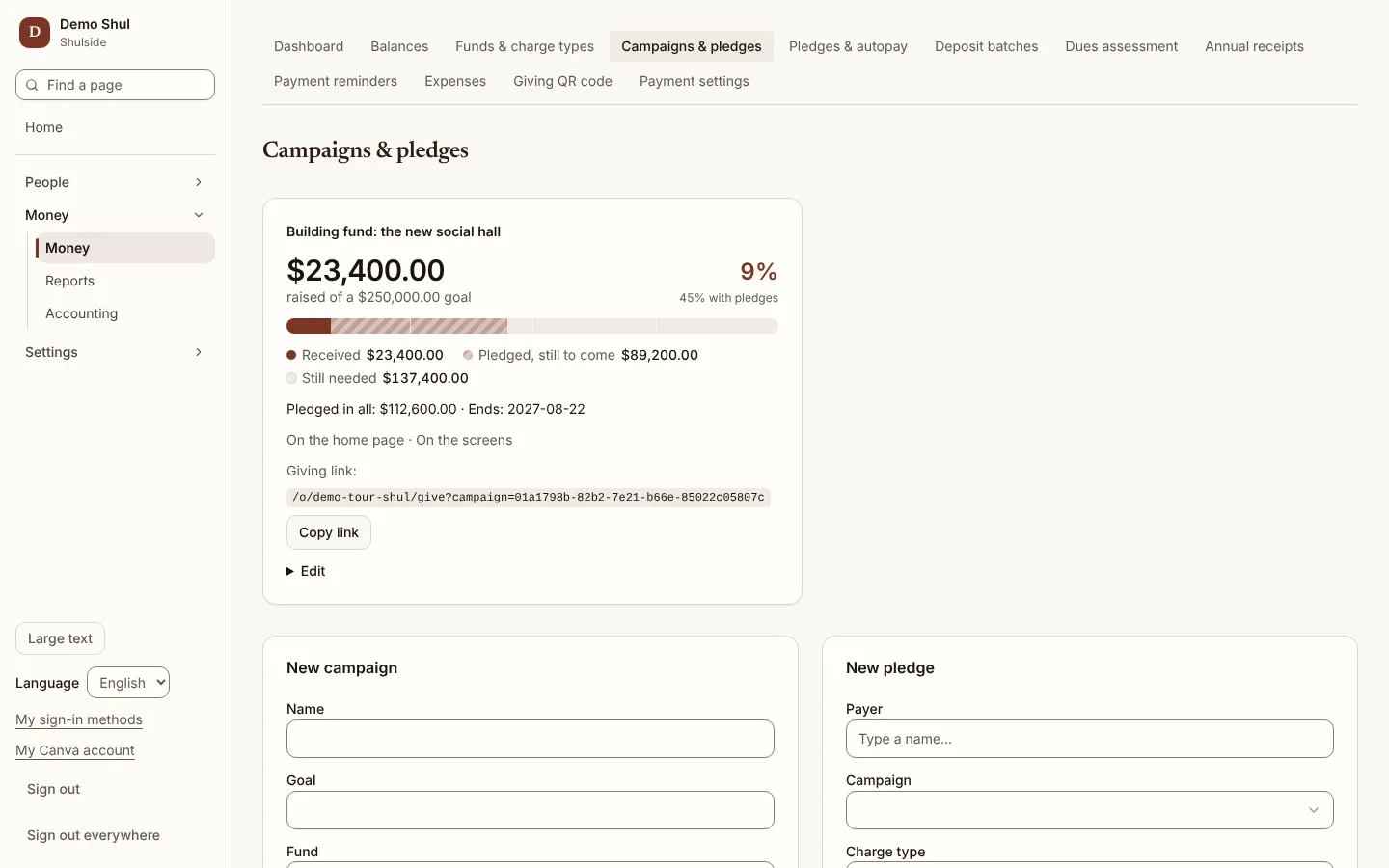
Campaigns with a live meter
Set a goal for the building fund or the dinner and watch the meter fill, on the website and the lobby screens.
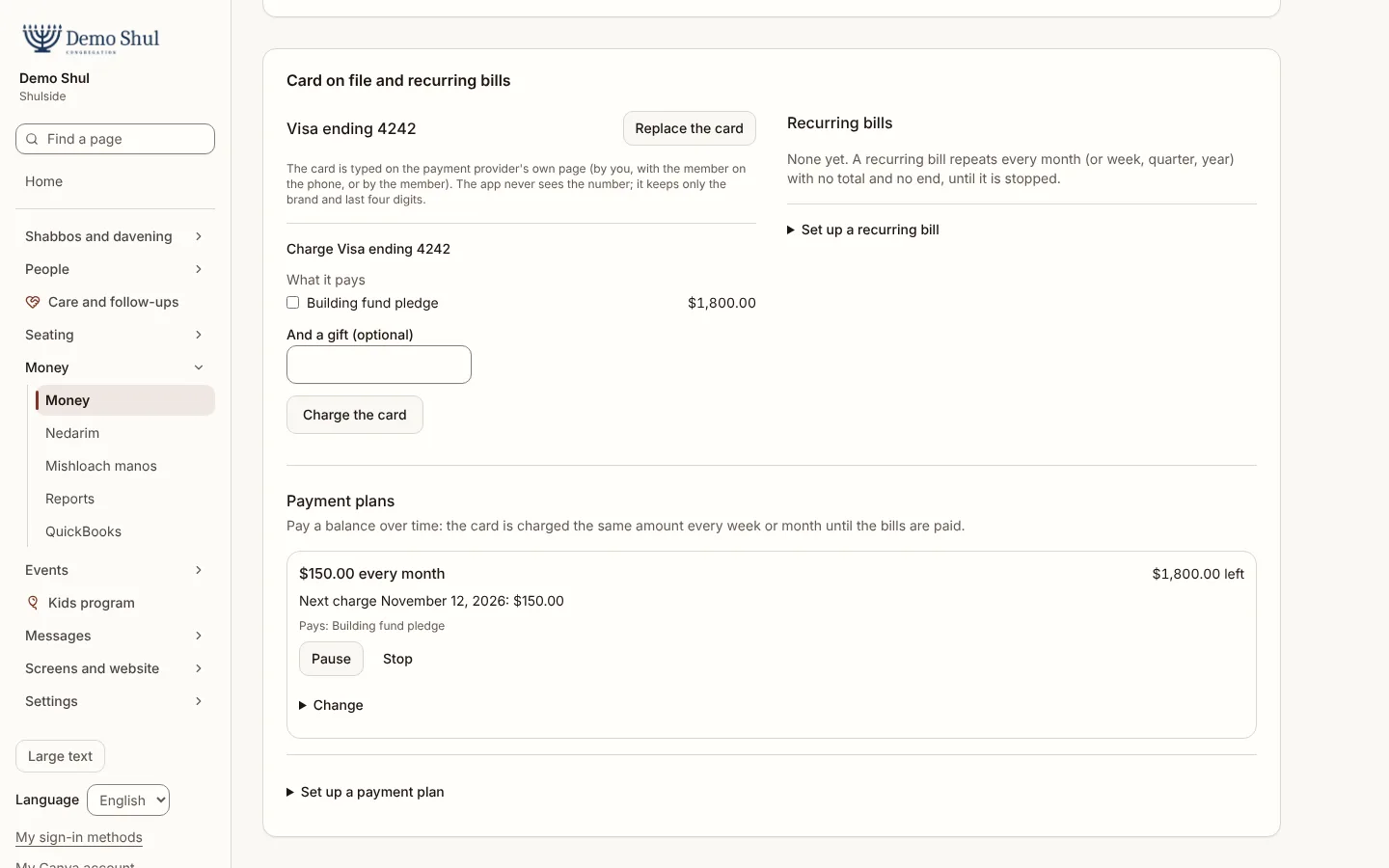
Pledges, dues and payment plans
Pledges and monthly dues are charged to the saved card with autopay. A family that needs time pays a balance off weekly or monthly, and the plan stops when it's paid.
How it works
Connect your payment account; cards, bank payments and PayPal are ready.
Share the giving link or QR code, and members save a card for monthly giving or dues.
Payments post to the books by themselves, with receipts and year-end statements.
Questions shuls ask
What does it cost?
Your payment processor's standard rate plus a small Shulside fee. Donors can choose to cover the fee.
Do members need an account to give?
No. Anyone can give from the giving page; members who sign in see their history.
Are receipts sent automatically?
Yes. A receipt goes out with every gift, and a year-end statement for taxes.
Can we take bank payments?
Yes. Bank (ACH) payments are offered beside cards, at a lower fee.
More that works with it
- Zelle, OJC and Donors Fund payments matched to familiesPayments that arrive outside your card processor are found, matched to the family and the charge they pay, and posted. You only check what the system could not place.
- The shul app for members and familiesThe Shulside app gives every family their balance, this Shabbos's times, aliyah requests and minyan sign-ups, in English or Hebrew.
- Tap to Pay: take cards on your phoneAt the dinner, at the door or after Shabbos, the treasurer's phone takes a tapped card or phone for dues, an aliyah, a neder or a gift.
See it on your own shul
Two short videos show the office and the members' side. Or book twenty minutes and we'll show it with your own sanctuary, families and davening times.