Purim sorted: families order online, you print the cards
Every family gets a basket from the shul, with a card of everyone who sent to them. Families choose and pay on their phone; the office prints the rest.
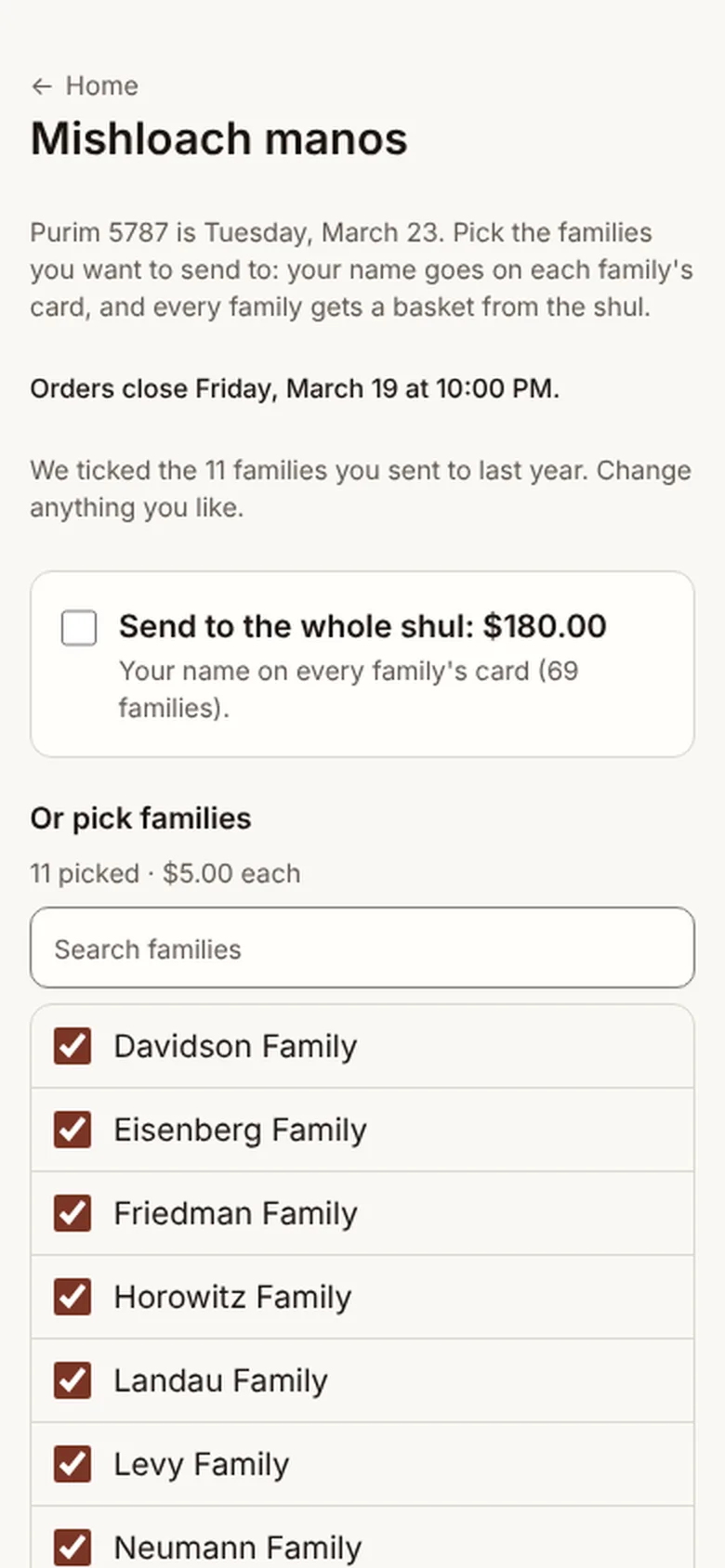
Families order on their phone
They tick the families they want, or the whole shul at one price, and pay with a saved card or add it to their balance. Last year's list is already ticked.
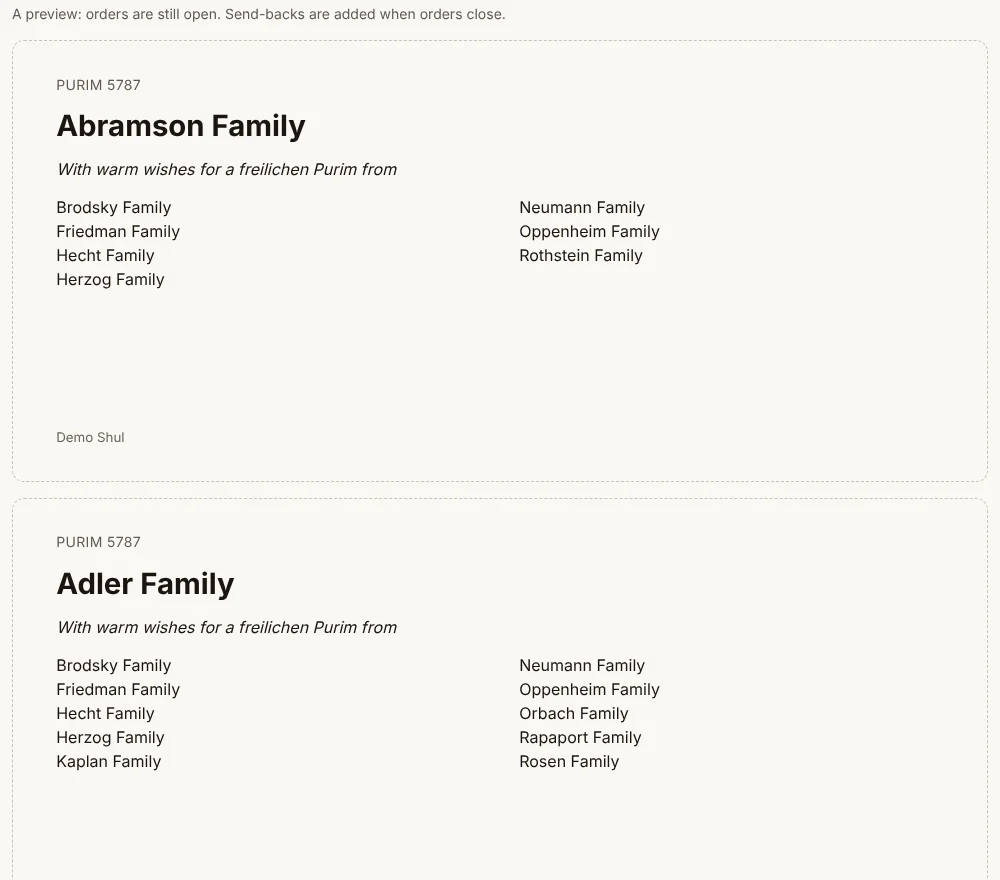
A card for every family
Each basket's card lists everyone who sent to that family, ready to print two to a page.
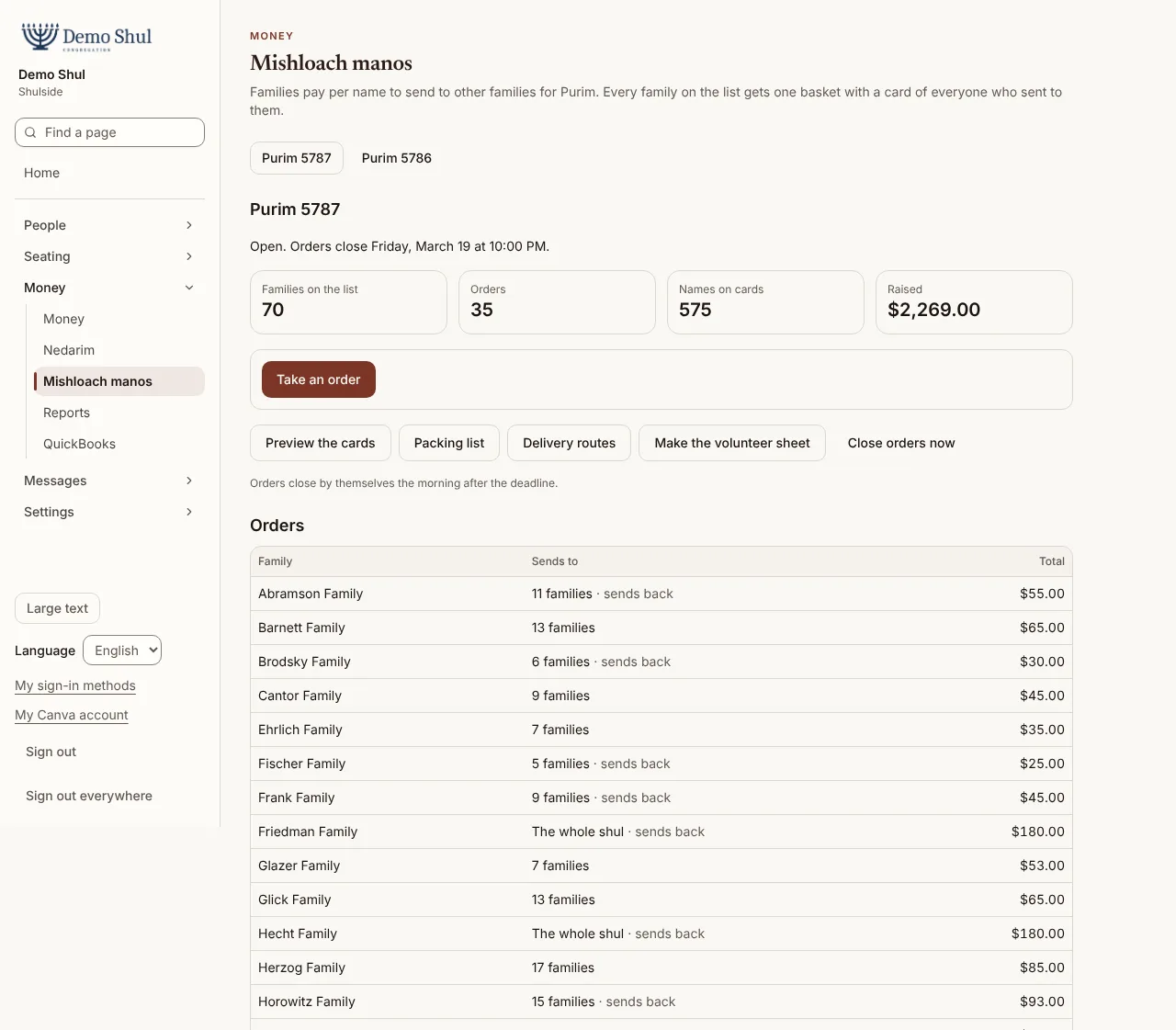
The office sees it all
Orders, what's been raised, who sends the most and who receives, with the packing list, the delivery routes and a volunteer sheet one click away.
How it works
Set a price per name and a deadline.
Families order from the app until the deadline. Anyone can choose to send back to whoever sends to them.
After the deadline, print the cards, the packing list and the routes.
Questions shuls ask
What does "send back" mean?
A family can ask to send to anyone who sends to them. When orders close, those families are added and charged at the per-name price, with a limit if they set one.
Can families who don't use the app take part?
Yes. The office takes an order by phone or on paper, and it goes on the family's balance.
Can a family stay off the list?
Yes. The office can leave any family off the list for the year.
Where does the money go?
Each order is a charge on the family's account in the fund you choose, paid like any other bill.
More that works with it
- Events, tickets and dinners for shulsPut the event online, sell tickets, seat the dinner and see what it raised, all in one place.
- Online giving, dues and autopay for shulsA simple giving page, monthly gifts and dues on a saved card, and pledges that remind themselves. Members give in seconds; the treasurer stops chasing.
- The shul app for members and familiesThe Shulside app gives every family their balance, this Shabbos's times, aliyah requests and minyan sign-ups, in English or Hebrew.
See it on your own shul
Two short videos show the office and the members' side. Or book twenty minutes and we'll show it with your own sanctuary, families and davening times.