Events and tickets, from the flyer to the final count
Put the event online, sell tickets, seat the dinner and see what it raised, all in one place.
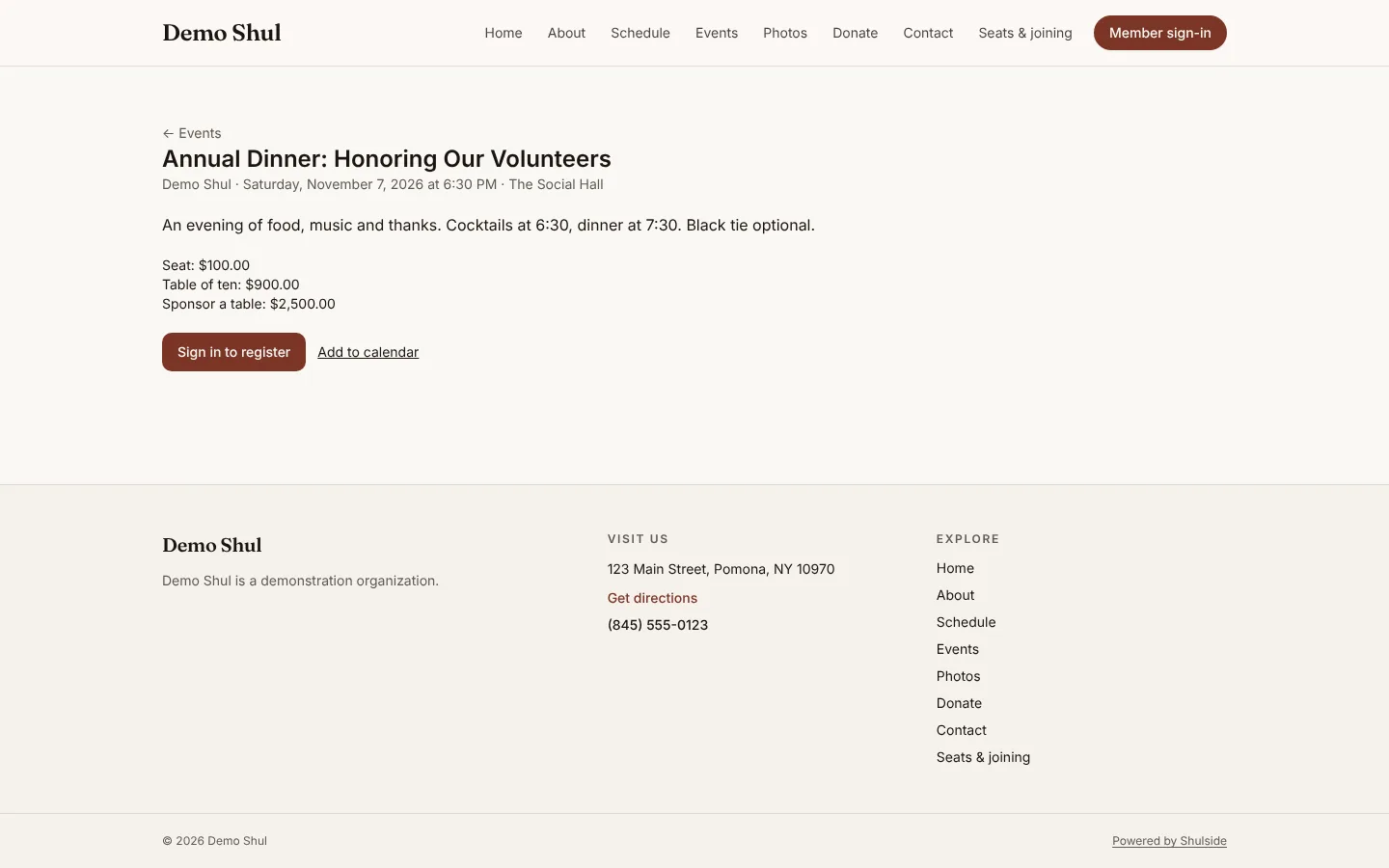
A page for every event
A clean public page with the details, ticket types and online payment, on any phone.
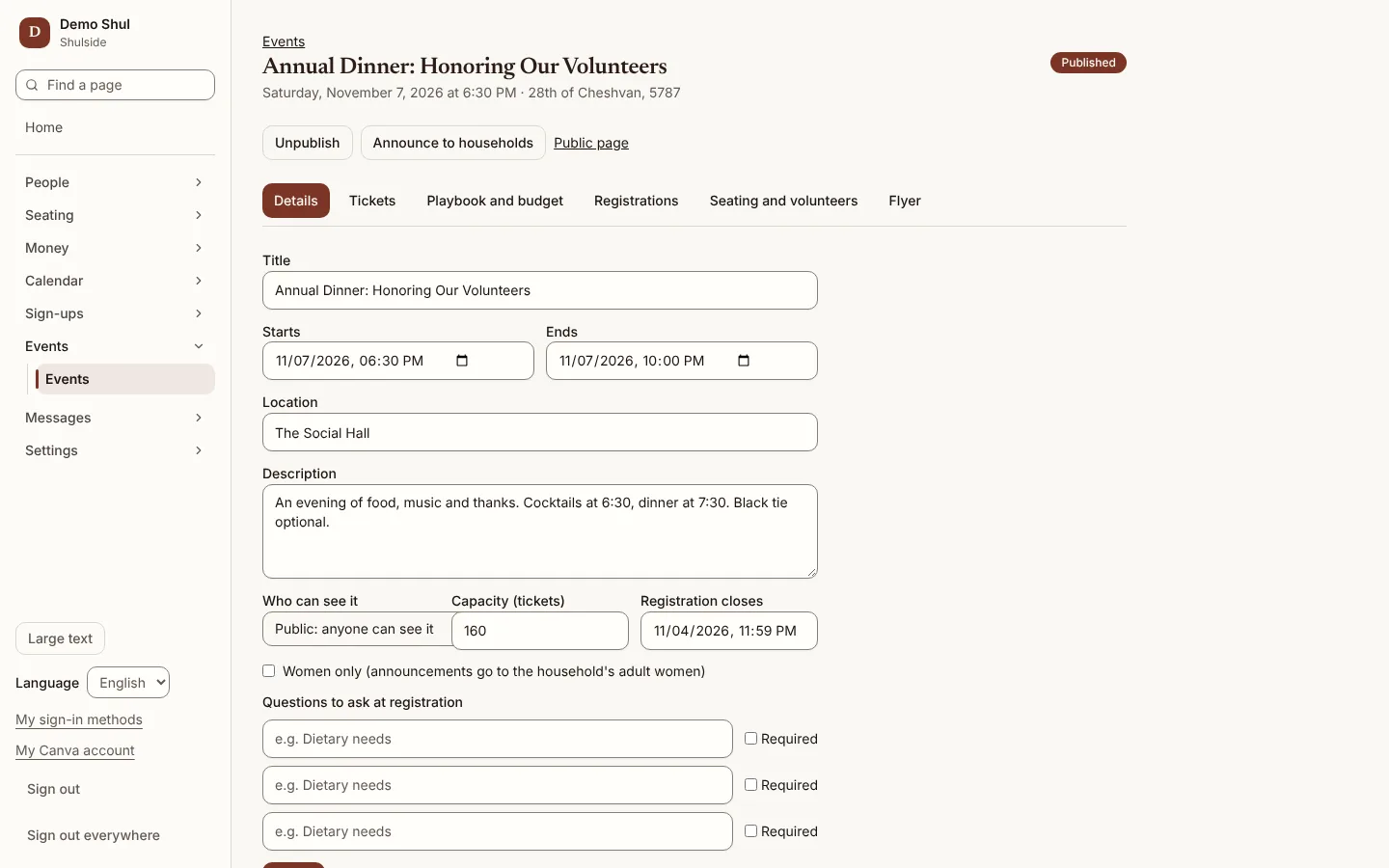
The office runs it from one screen
Details, tickets, the playbook and the flyer for each event, together.
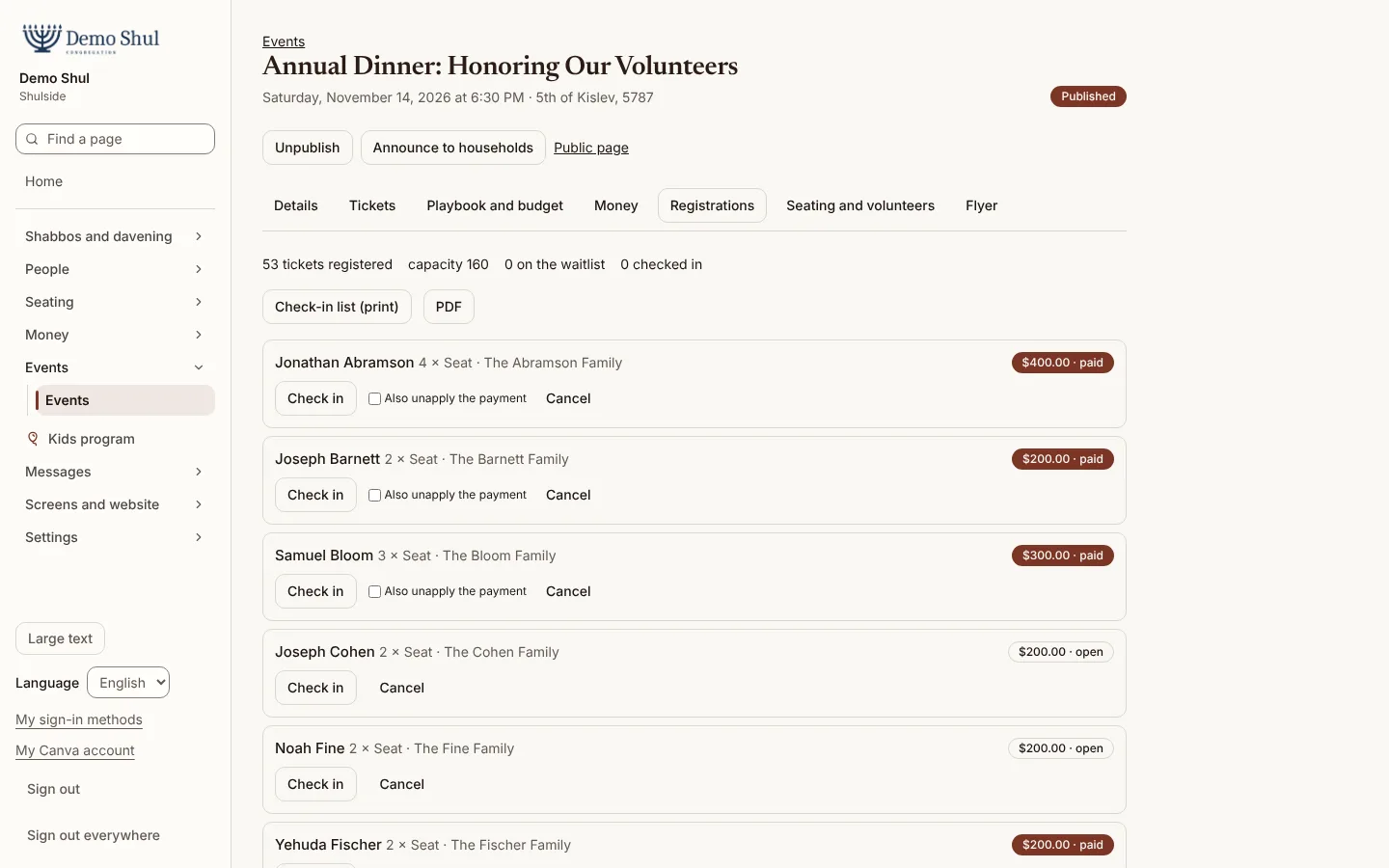
Registrations and waiting lists
See who is coming and how many, with a waiting list when the event is full.
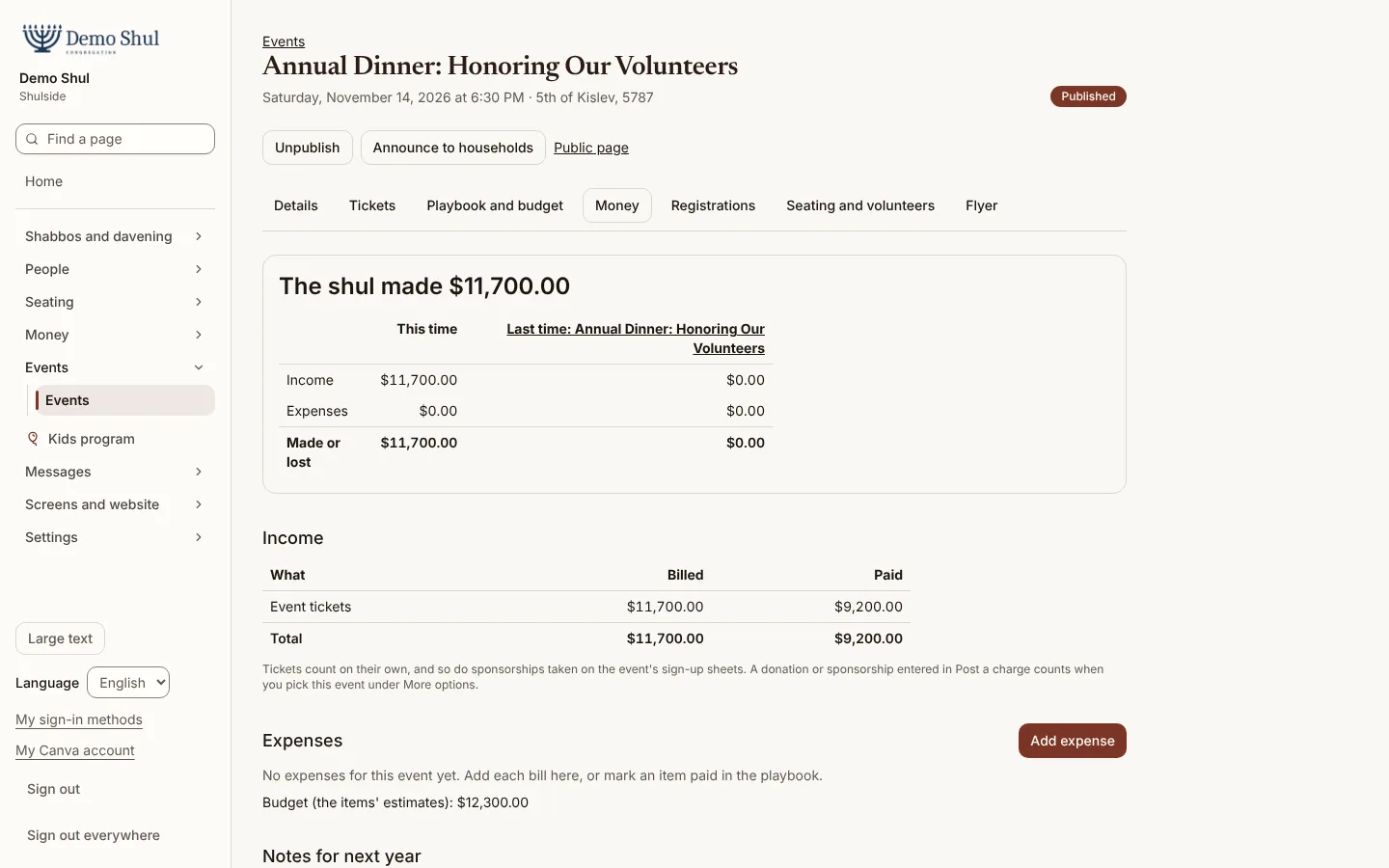
Know what every event made
Income, expenses and the profit and loss for each event, with budgets to plan the next one.
How it works
Create the event, add ticket types and publish its page.
Members register and pay online; the office adds walk-ins and checks.
Seat the guests, print the cards and see the event's profit and loss.
Questions shuls ask
Can members pay later?
Yes. A ticket can be added to the family's balance and paid with their dues.
Can we limit tickets?
Yes. Set a limit per ticket type and for the whole event, with a waiting list.
Can non-members buy tickets?
Yes. Public events can be open to anyone.
Does it handle dinner seating?
Yes. Assign tables and print seat cards and the table list.
More that works with it
- High Holiday seating like booking a flightMembers pick their own seats on a live map of your sanctuary, in the order you decide. The office stops juggling spreadsheets and phone calls.
- Online giving, dues and autopay for shulsA simple giving page, monthly gifts and dues on a saved card, and pledges that remind themselves. Members give in seconds; the treasurer stops chasing.
- Shul reports and profit and lossKnow where the shul stands: who owes, what came in, what each event made, and where the money went.
See it on your own shul
Two short videos show the office and the members' side. Or book twenty minutes and we'll show it with your own sanctuary, families and davening times.