Zelle, OJC and Donors Fund, matched to the right family
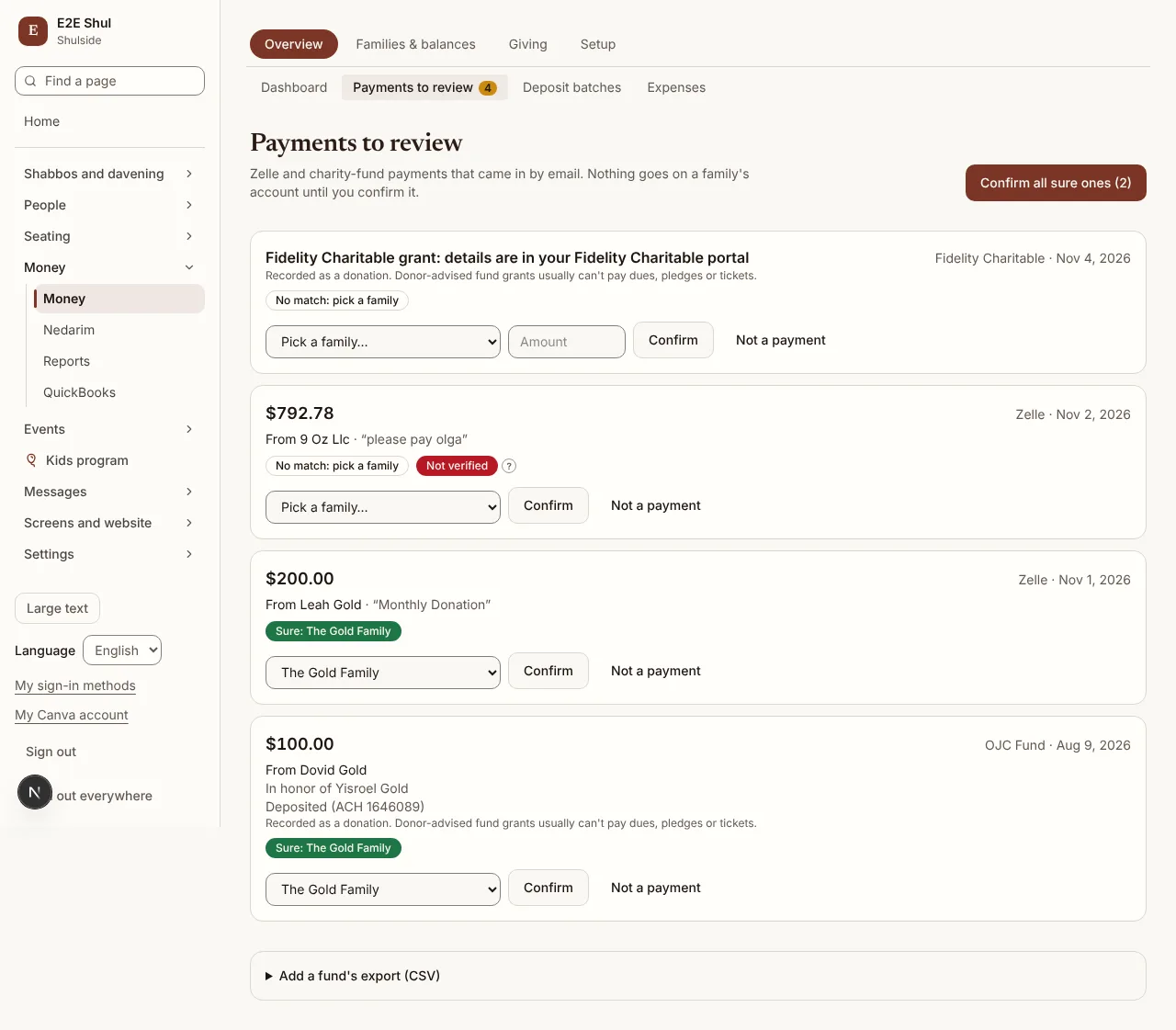
Payments that arrive outside your card processor are found, matched to the family and the charge they pay, and posted. You only check what the system could not place.
A short review list instead of detective work
Each payment shows the family it matched and why. Confirm with a click or pick the right family.
Every way your members pay
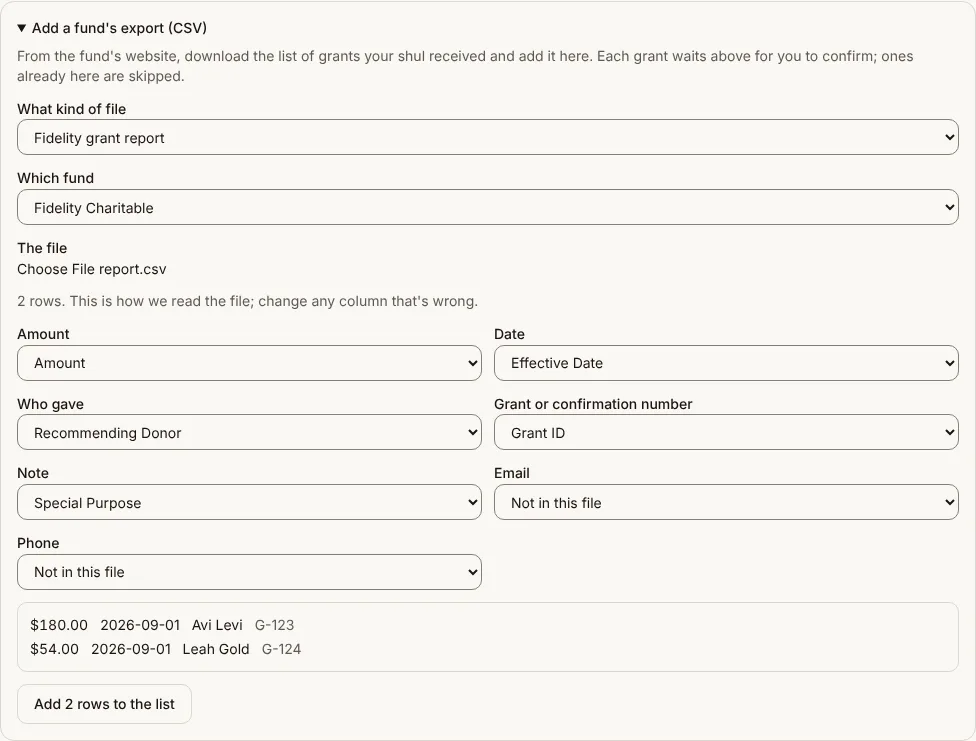
Payments from Zelle, OJC, The Donors Fund, Matbia and your bank come in and land on the right family.
Payouts that add up
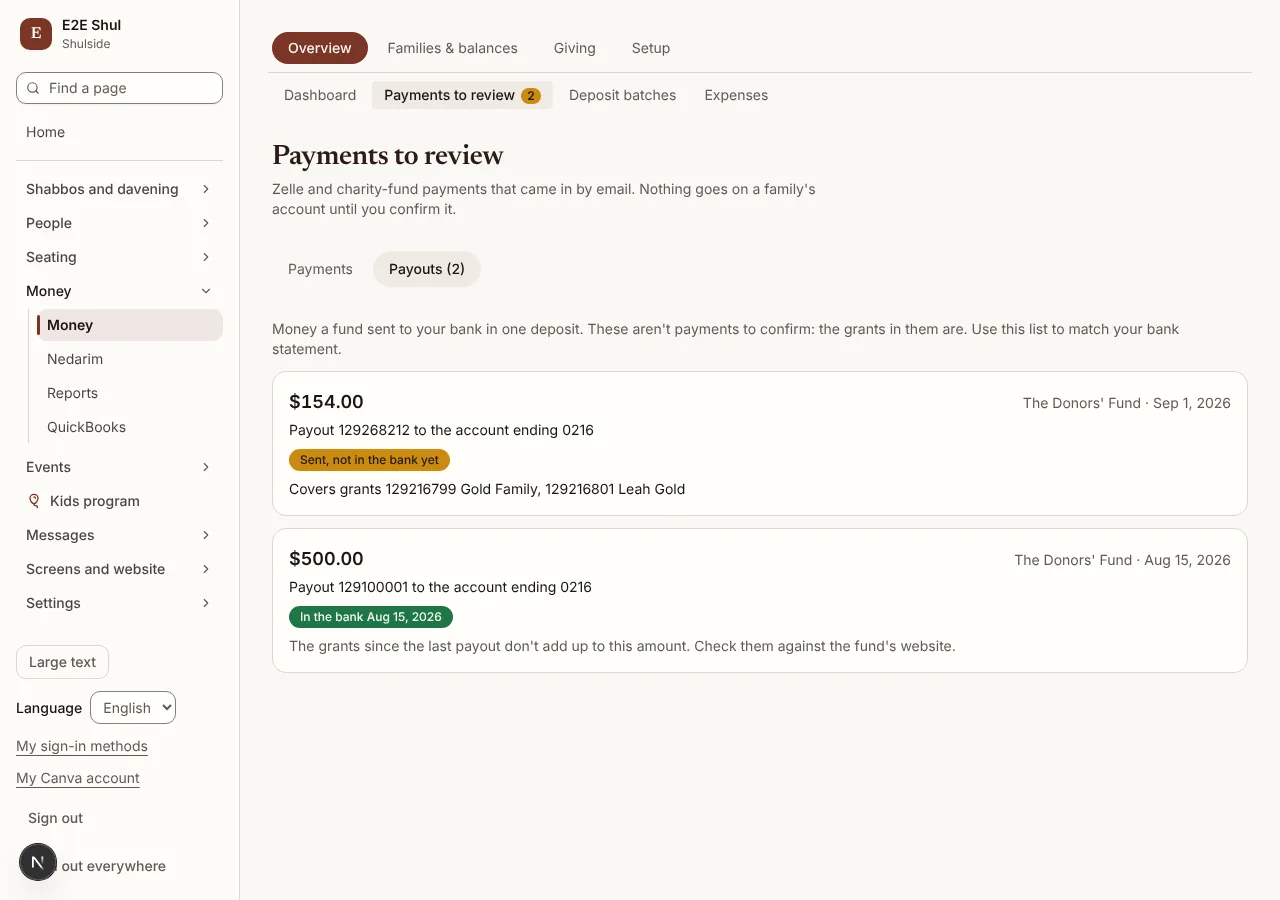
See every card payout and what it paid for, so the bank deposit matches the books.
Balances that are right
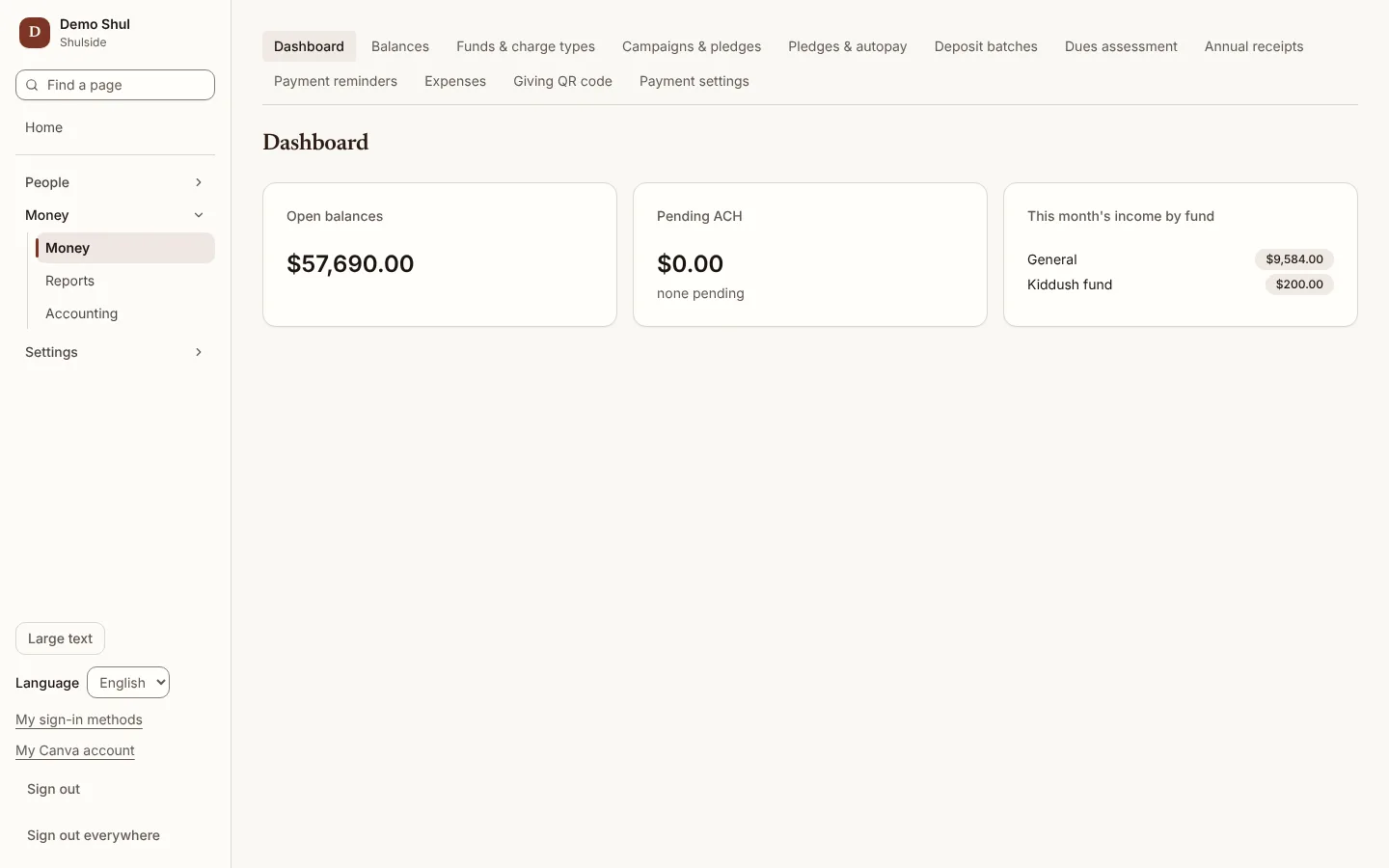
Matched payments post to the family's account at once, so balances and statements are always current.
How it works
Turn on the payment methods your members use and share the instructions with them.
Payments from Zelle, OJC, The Donors Fund and your bank are matched to families and charges.
Review the few that need you, and every balance is up to date.
Questions shuls ask
How does it know which family paid?
It matches each payment to the right family and shows you why, so you can check any match in a click.
What if a family pays several charges at once?
The payment is split across their open charges, oldest first.
Can we undo a wrong match?
Yes. Matches can be changed, and every change is kept in the history.
Do members need to do anything differently?
No. They keep paying the way they do today.
More that works with it
- Online giving, dues and autopay for shulsA simple giving page, monthly gifts and dues on a saved card, and pledges that remind themselves. Members give in seconds; the treasurer stops chasing.
- Shul reports and profit and lossKnow where the shul stands: who owes, what came in, what each event made, and where the money went.
- Tap to Pay: take cards on your phoneAt the dinner, at the door or after Shabbos, the treasurer's phone takes a tapped card or phone for dues, an aliyah, a neder or a gift.
See it on your own shul
Two short videos show the office and the members' side. Or book twenty minutes and we'll show it with your own sanctuary, families and davening times.