Reports and P&L your board can read
Know where the shul stands: who owes, what came in, what each event made, and where the money went.
The reports you need, ready
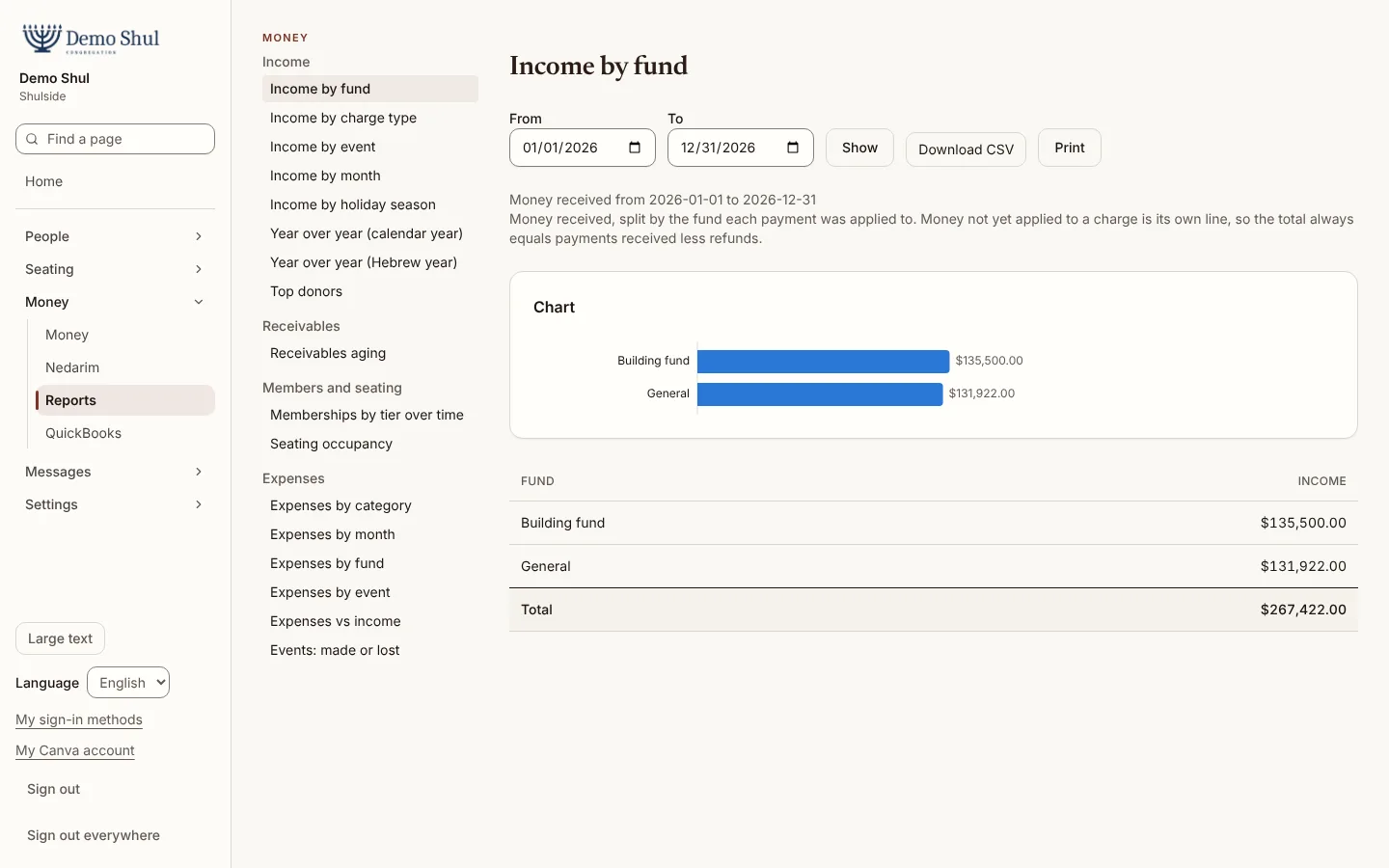
Giving by fund, open balances, dues, deposits and more, filtered and exported in a click.
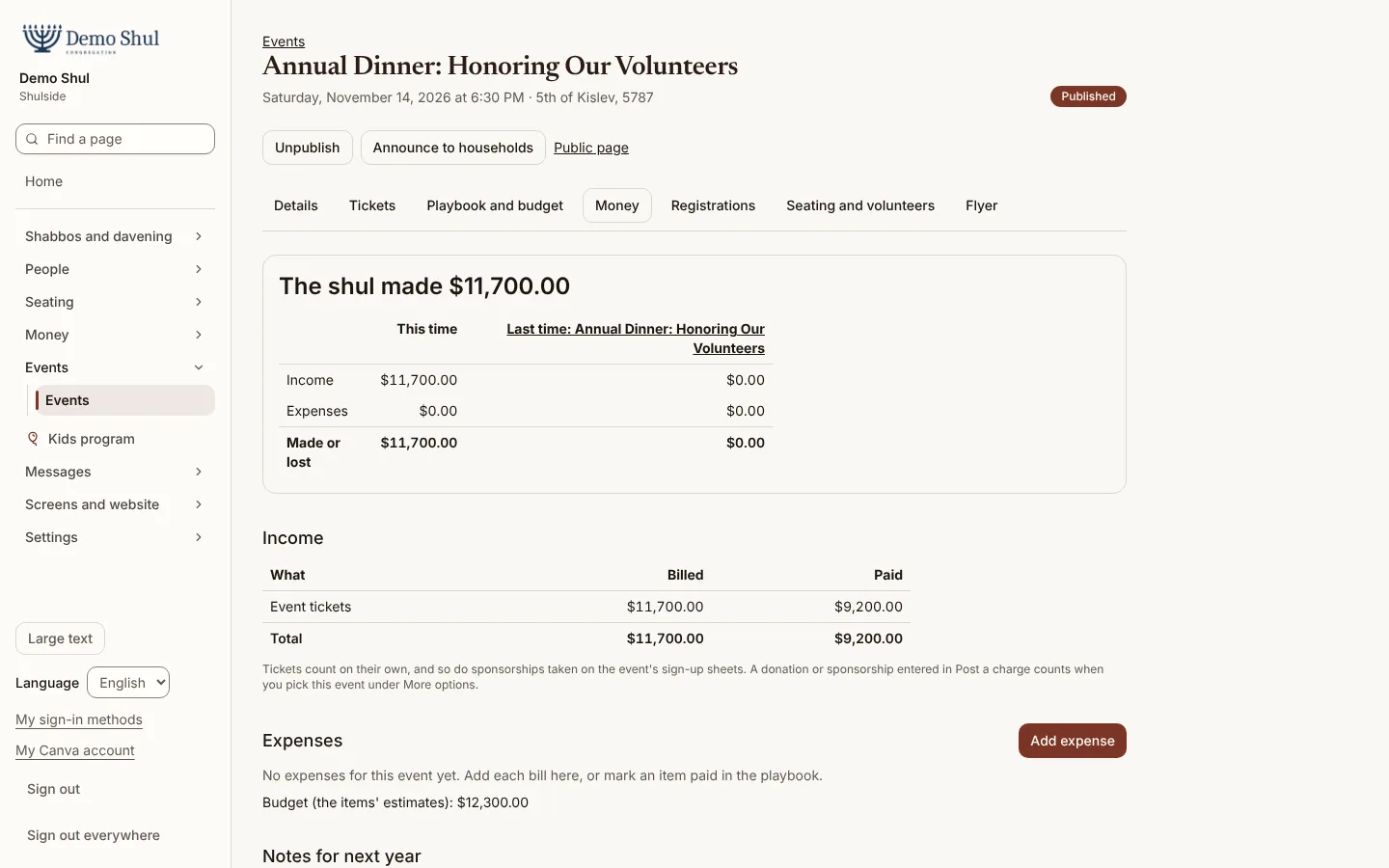
Profit and loss for every event
Ticket income, sponsorships and expenses for each event, against its budget.
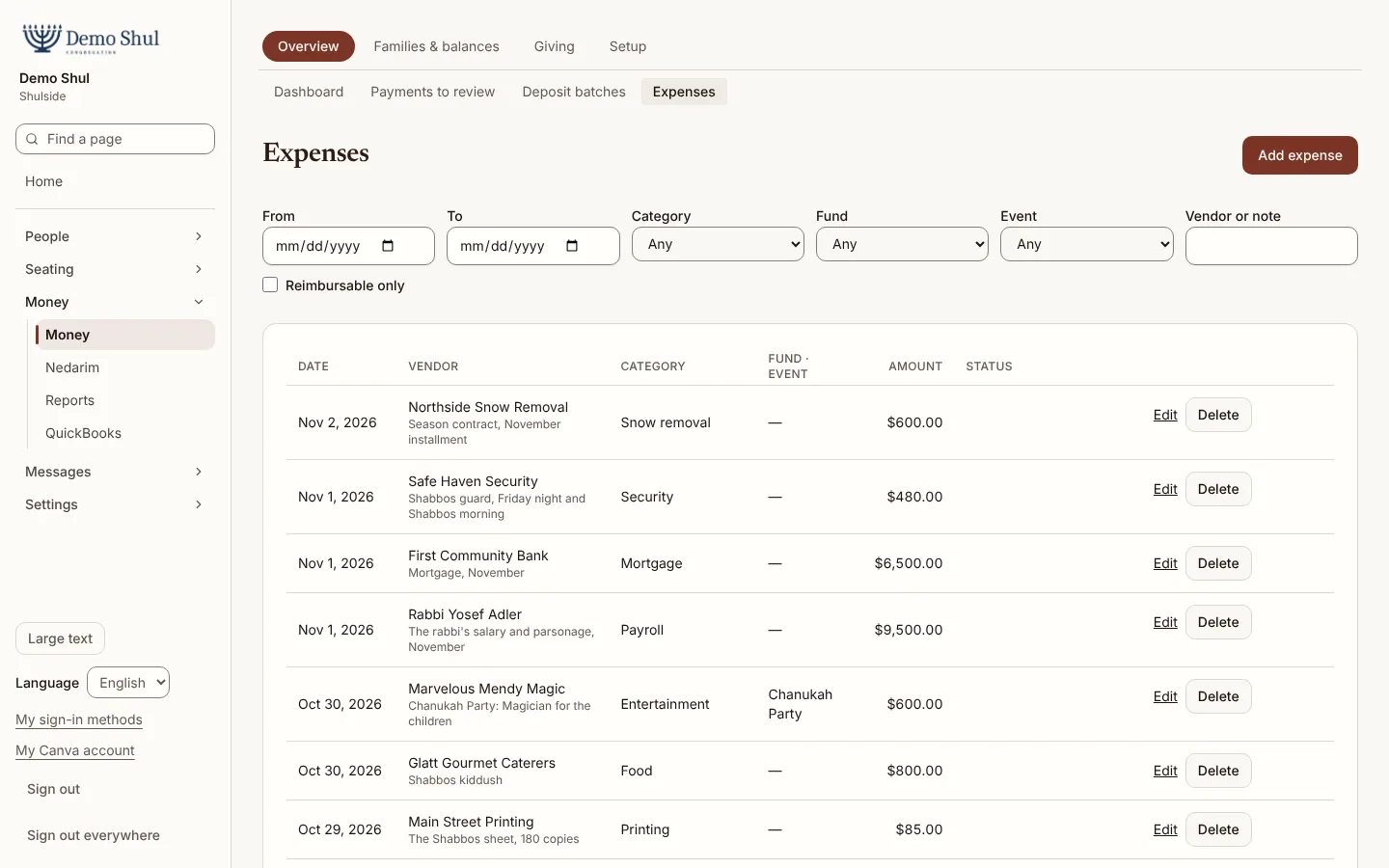
Expenses in the same place
Record what the shul spends, with receipts, so the picture is complete.
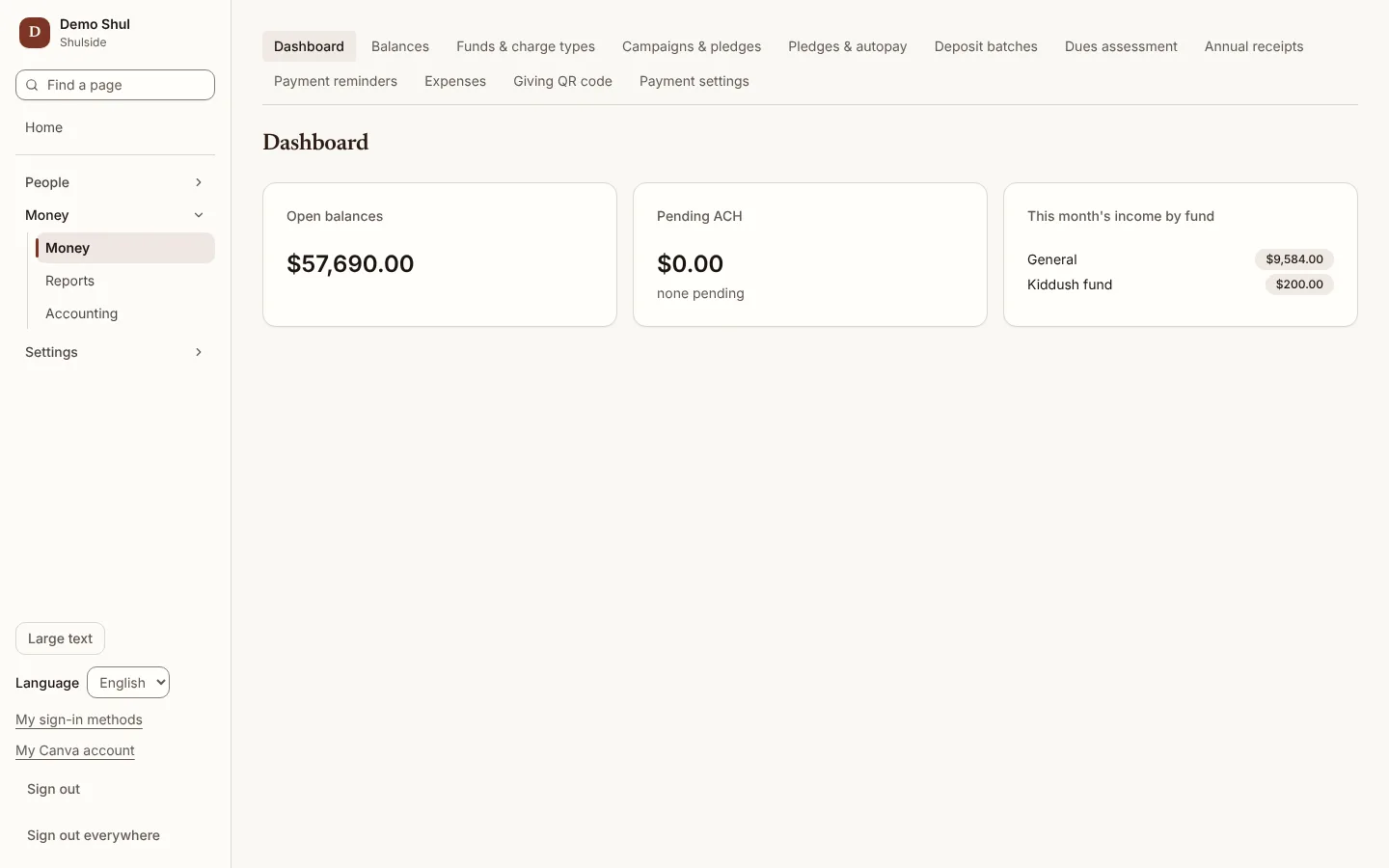
The treasurer's dashboard
Open balances, this month's income and what needs attention, at a glance.
How it works
Payments, charges and expenses are recorded as they happen.
Open any report and filter by dates, funds or families.
Export to a spreadsheet or sync to QuickBooks for your accountant.
Questions shuls ask
Does it work with QuickBooks?
Yes. Payments and charges can sync to QuickBooks.
Are year-end tax statements included?
Yes. Each family gets a statement of their deductible giving.
Can we see giving by fund?
Yes. Every gift is recorded to a fund, and the reports show each fund's total.
Can we export everything?
Yes. Every report exports to CSV, and your data is always yours.
More that works with it
- Zelle, OJC and Donors Fund payments matched to familiesPayments that arrive outside your card processor are found, matched to the family and the charge they pay, and posted. You only check what the system could not place.
- Online giving, dues and autopay for shulsA simple giving page, monthly gifts and dues on a saved card, and pledges that remind themselves. Members give in seconds; the treasurer stops chasing.
- Events, tickets and dinners for shulsPut the event online, sell tickets, seat the dinner and see what it raised, all in one place.
See it on your own shul
Two short videos show the office and the members' side. Or book twenty minutes and we'll show it with your own sanctuary, families and davening times.