Every job has someone, and nothing is forgotten
Make a list for the Chanukah party or Sunday's board meeting, give out the jobs or send one link for volunteers, and watch each one get done.
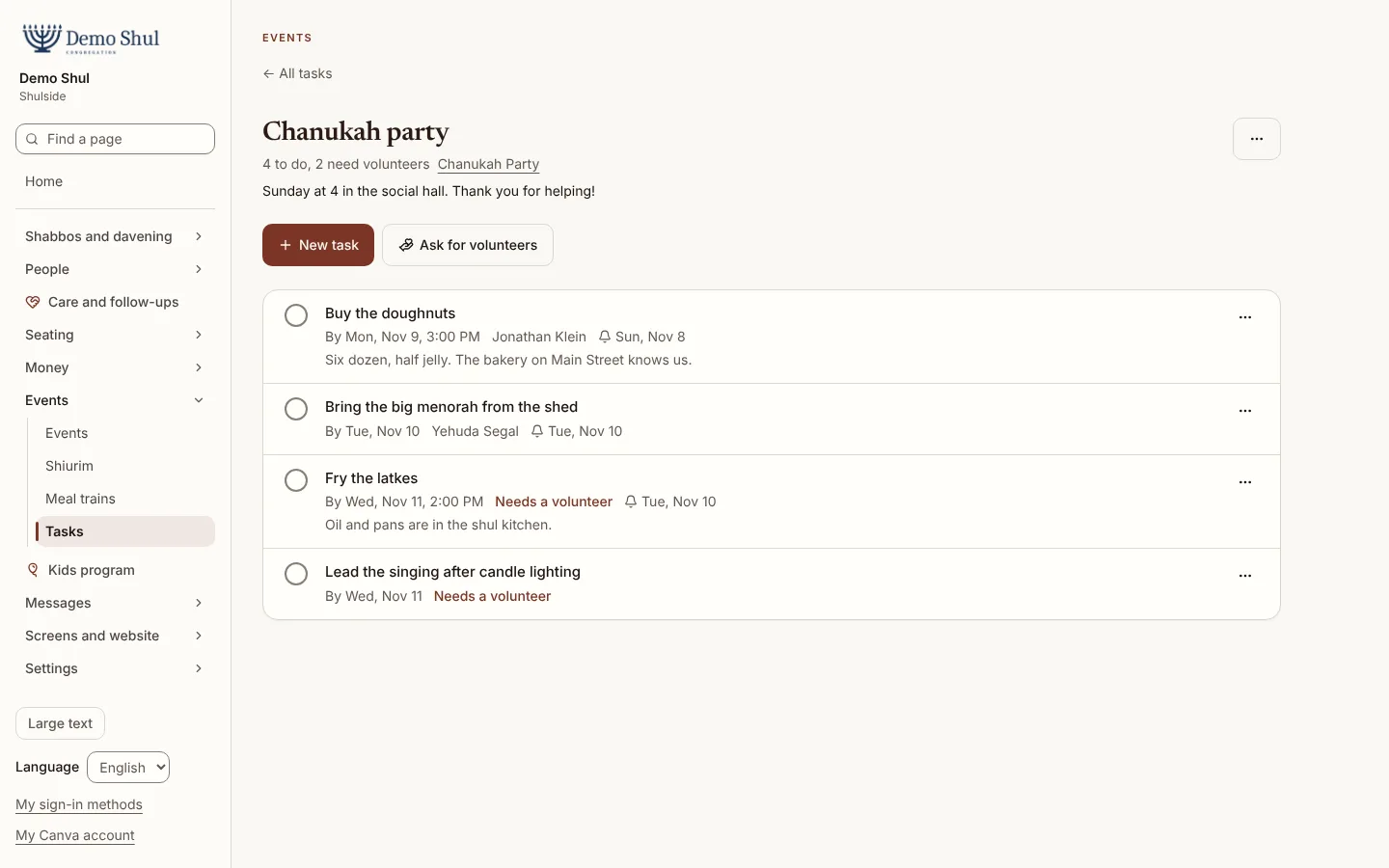
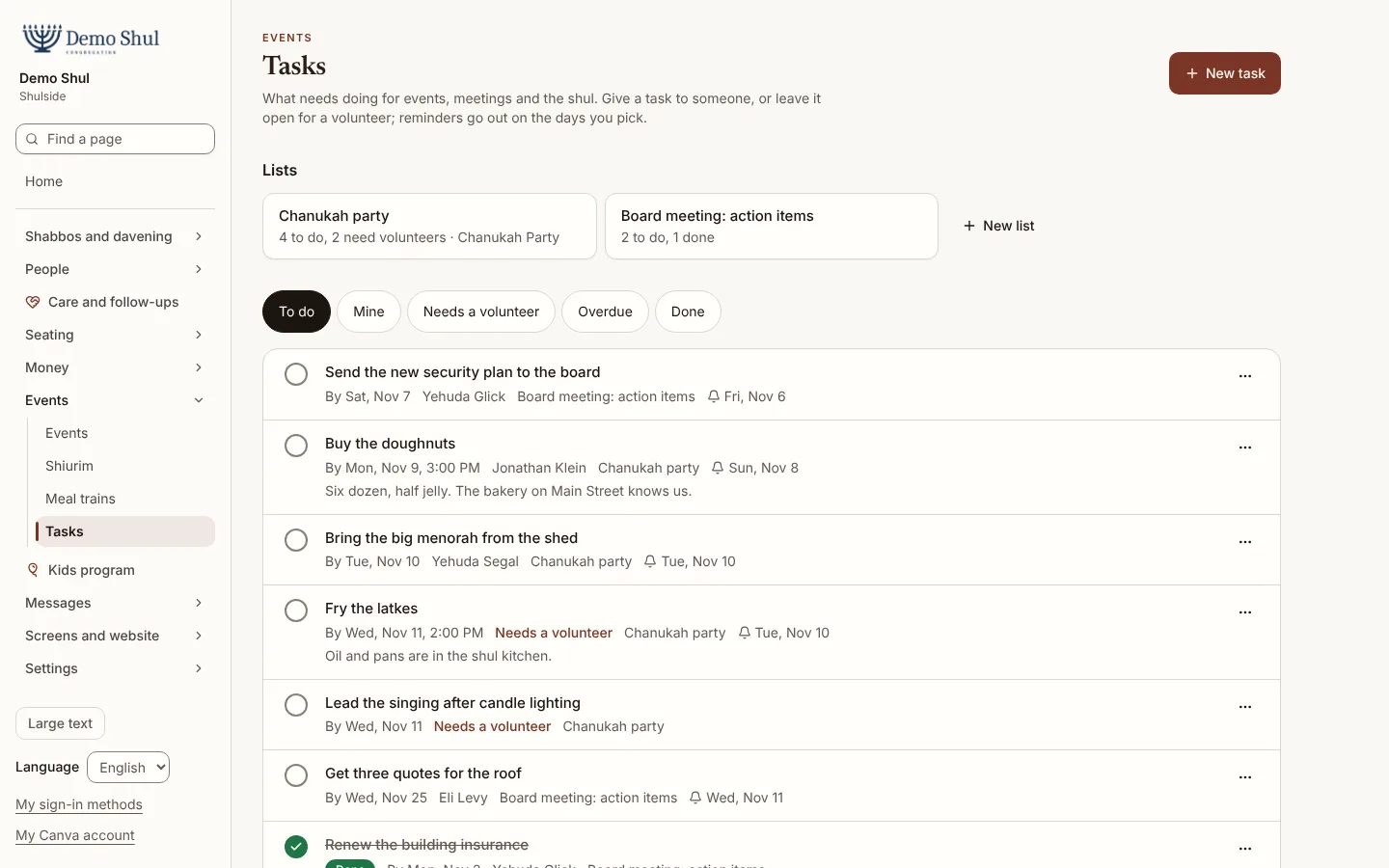
One list per event or meeting
What, by when and who. Late ones come first, and one tap marks a task done.
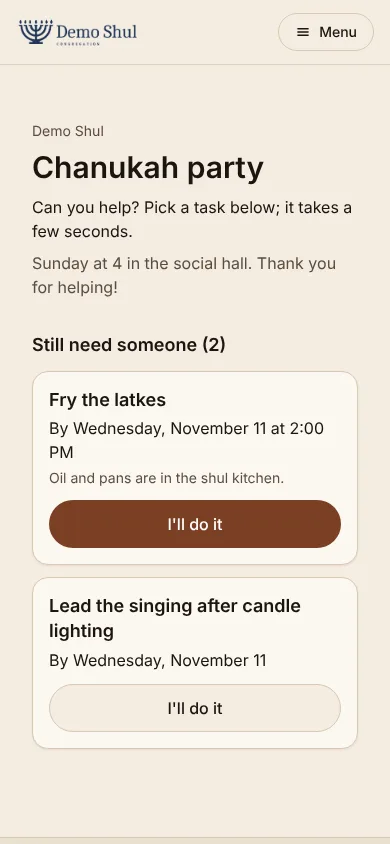
A link for volunteers
Send it by text, WhatsApp or email. People pick a task in one tap: members are recognized, anyone else gives a name and a phone.
Reminders weeks ahead, not just the night before
Pick a week before, the day before or any date. Every reminder has a Mark done link, no sign-in needed.
How it works
Start a list for an event or a meeting and add what needs doing.
Give tasks to people, or send the volunteer link to the members, a group or a few people.
Reminders go out on the days you picked; people tap Mark done and you see it.
Questions shuls ask
Do volunteers need an account?
No. Anyone with the link takes a task with a name and a phone or email. Members who are signed in are asked nothing.
Can we see who is doing what?
Yes. The office sees every task, who has it and what is done. The volunteer link never shows anyone's name.
Can reminders go out weeks ahead?
Yes. Choose a week before, the day before, the day itself or any date, as many as you like.
Which plan has it?
Every plan.
More that works with it
- Events, tickets and dinners for shulsPut the event online, sell tickets, seat the dinner and see what it raised, all in one place.
- Texts, WhatsApp and email to membersOne message goes out by email, text, WhatsApp or push, as each member prefers, never on Shabbos and never at 2 a.m.
- Care and follow-ups for the rabbi and the chesed committeeA shiva house, someone in hospital, a new family to welcome: keep the details in one place, see who has visited, and get reminded when to call.
See it on your own shul
Two short videos show the office and the members' side. Or book twenty minutes and we'll show it with your own sanctuary, families and davening times.