Shabbos and davening
Shabbos runs smoothly
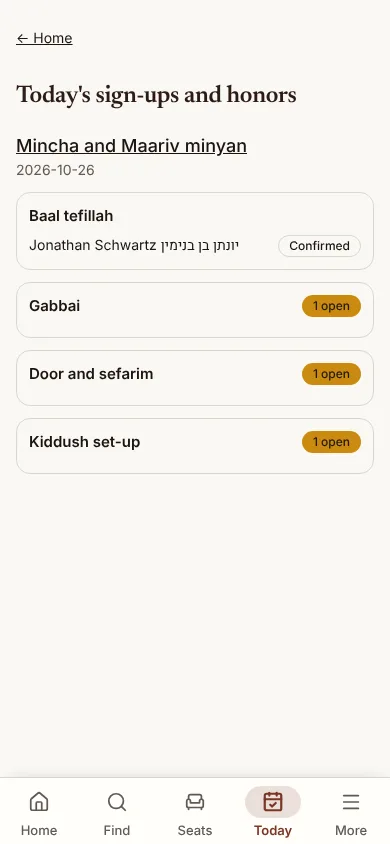
- Minyan sign-ups everyone can see, with a reminder before davening.
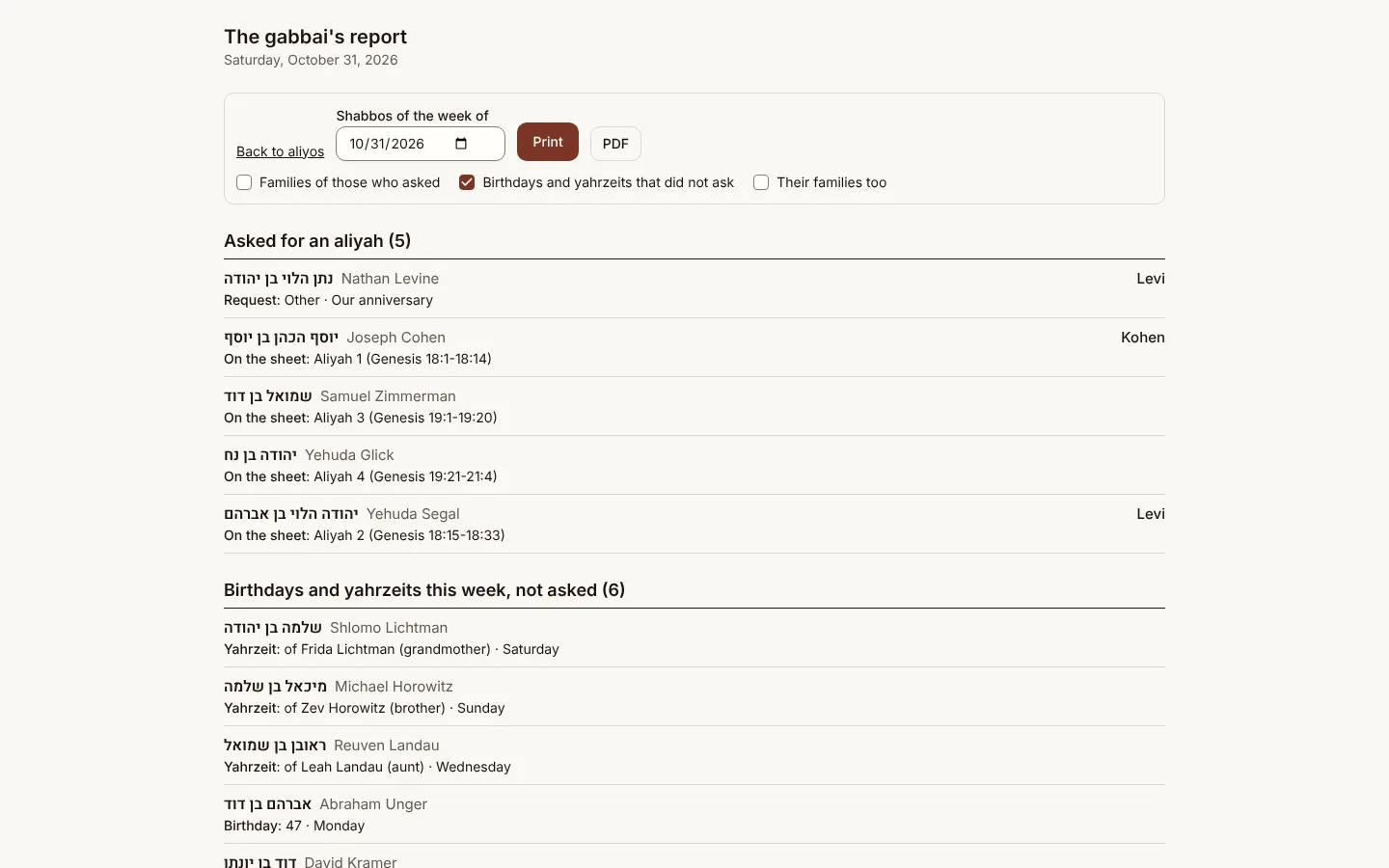
- Aliyah requests online, and the gabbai's list ready every Friday.
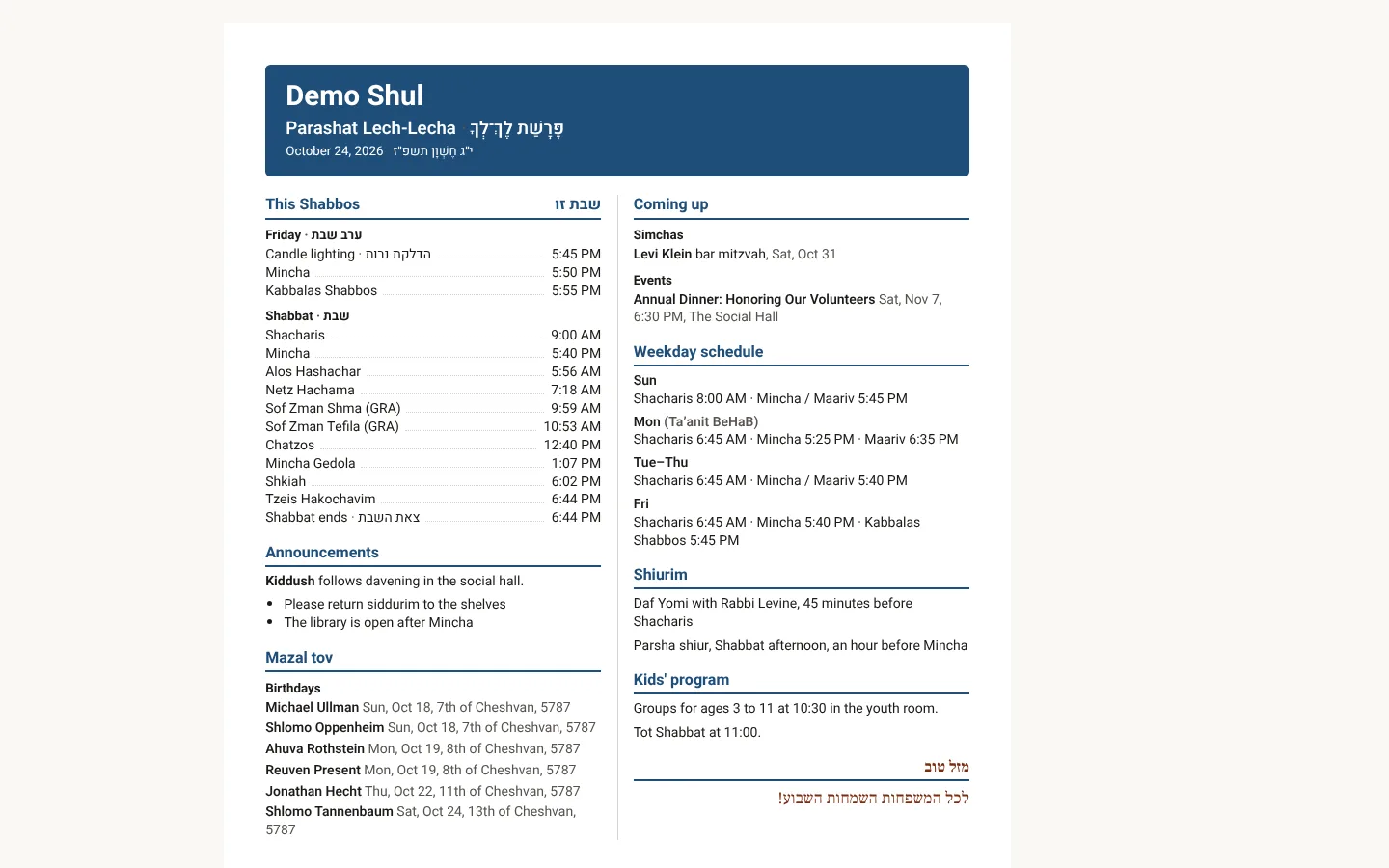
- The weekly Shabbos sheet, made for you.
More money. Less time. More transparency.
Seats, aliyos, the minyan, the weekly sheet, the lobby screen, kiddush, pledges and yahrzeits. Less work for the office, and members see and pay what they owe from their phone.
Set it up once. Shulside handles the rest, automatically.
No card and nothing to install. Send us your spreadsheet and we bring your members in for you.
One system
Every part of Shulside shares the same members and families, so nothing is typed twice.
One list of families, and messages that send themselves.
Aliyos, the minyan and the Friday list, sorted before Shabbos.
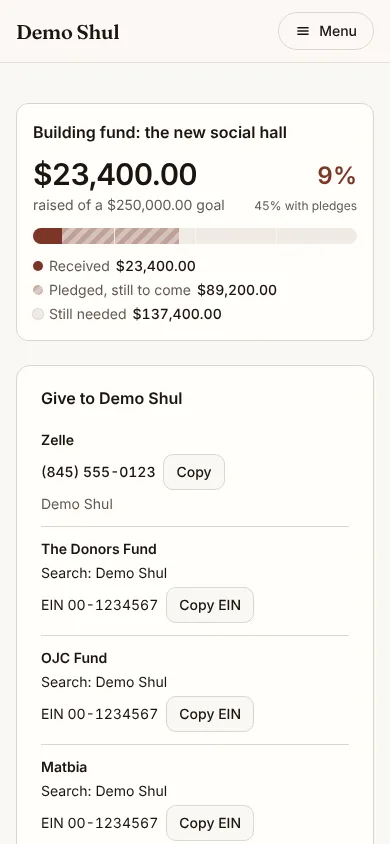
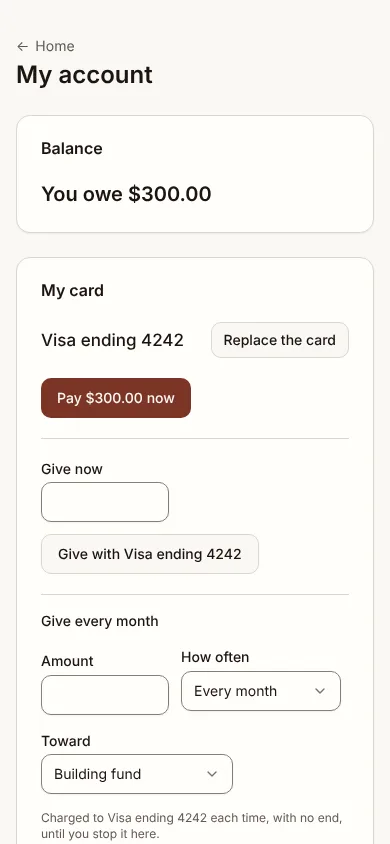
Pledges and dues paid online, and receipts at year end.
Their seats, balance and receipts on their phone.
Seating
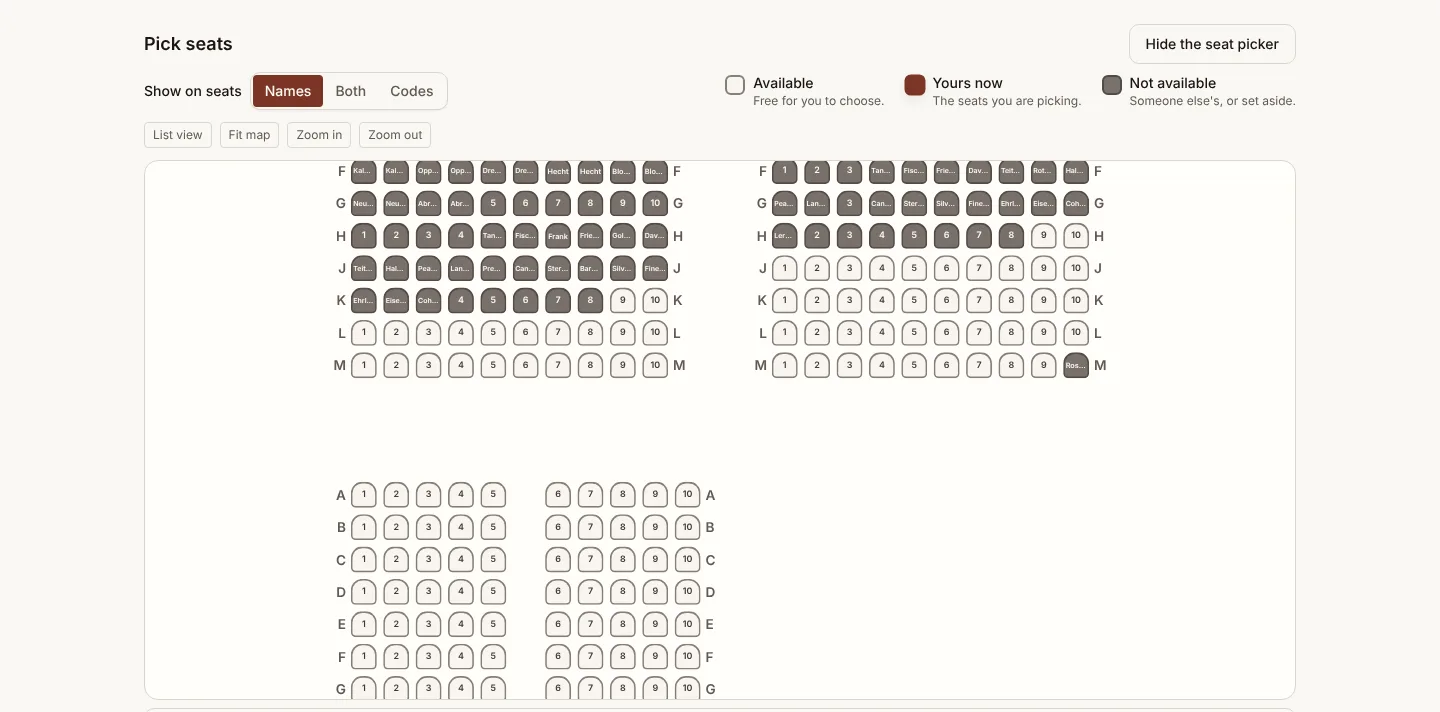
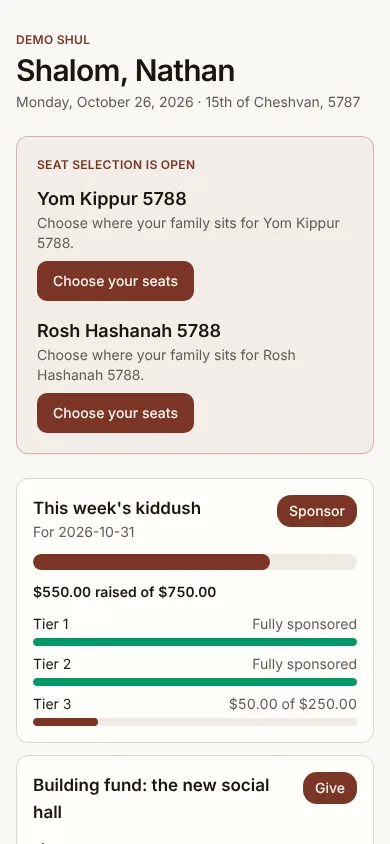
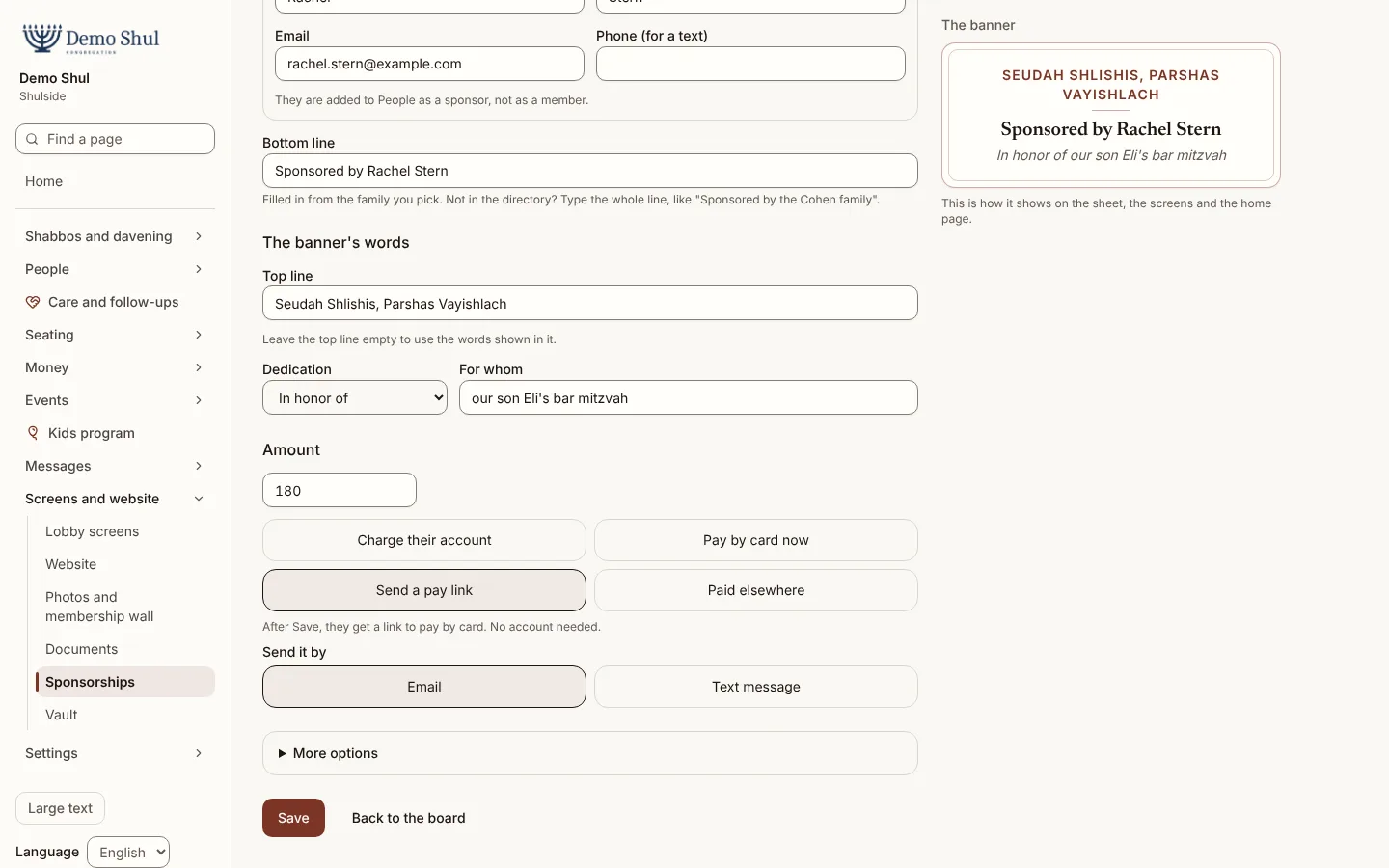
Members choose their own seats on a map of your sanctuary, like booking a flight, or the office places them in a few clicks. Makom kavuah and your priority windows are kept for you.
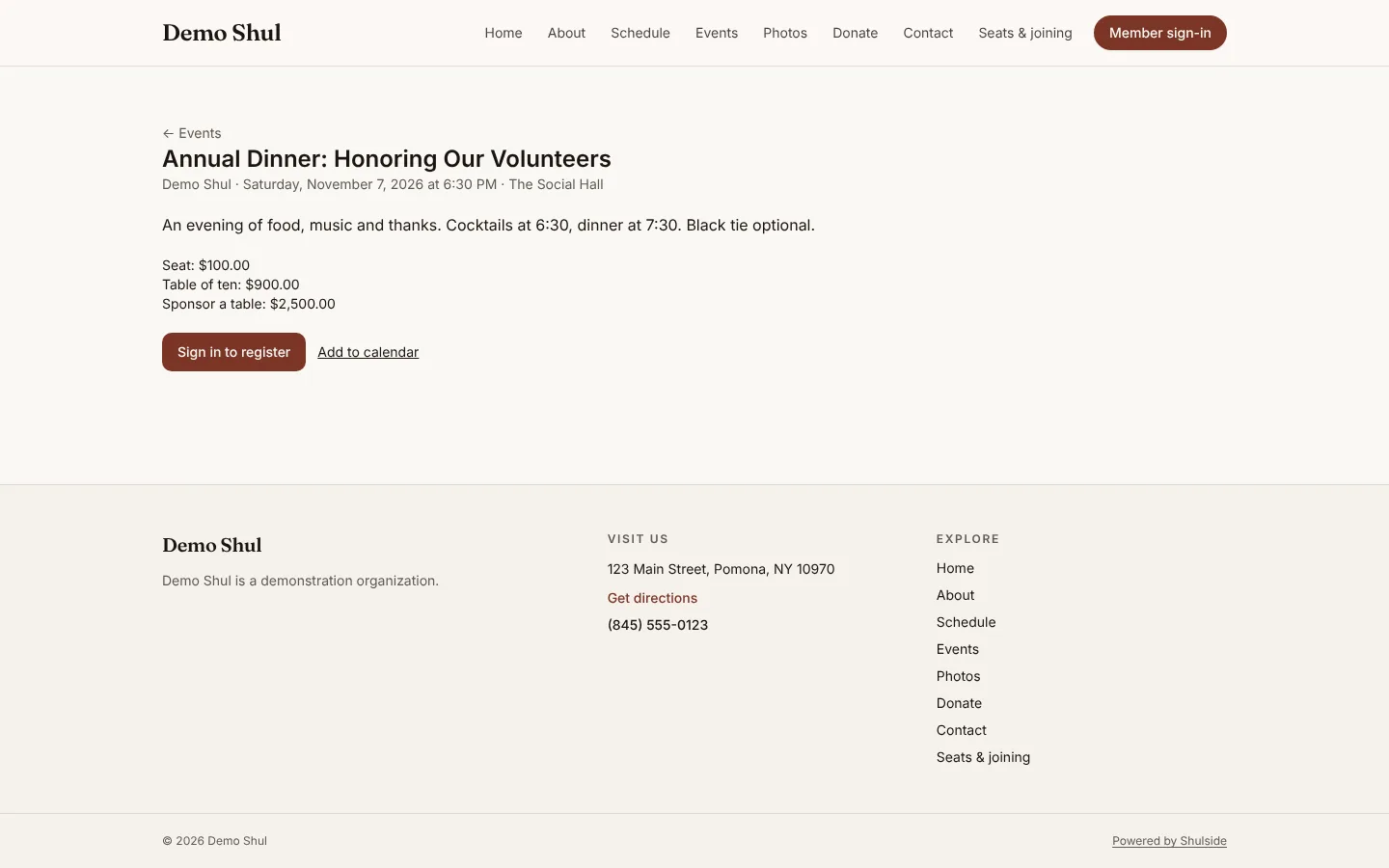
Dinners, a Shabbaton, kiddush and simcha tables: any event with seats.
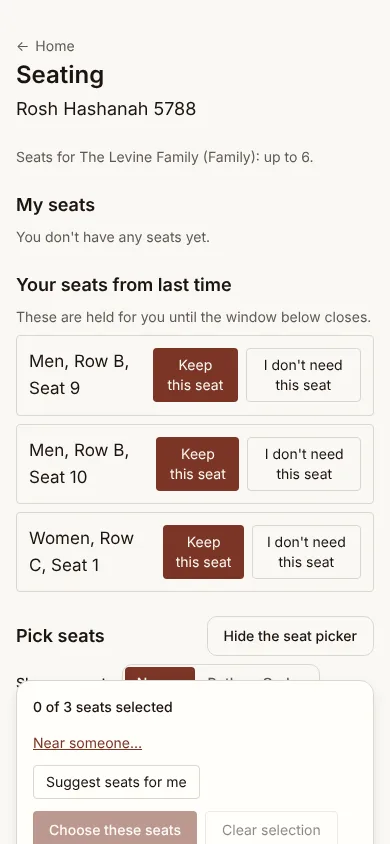
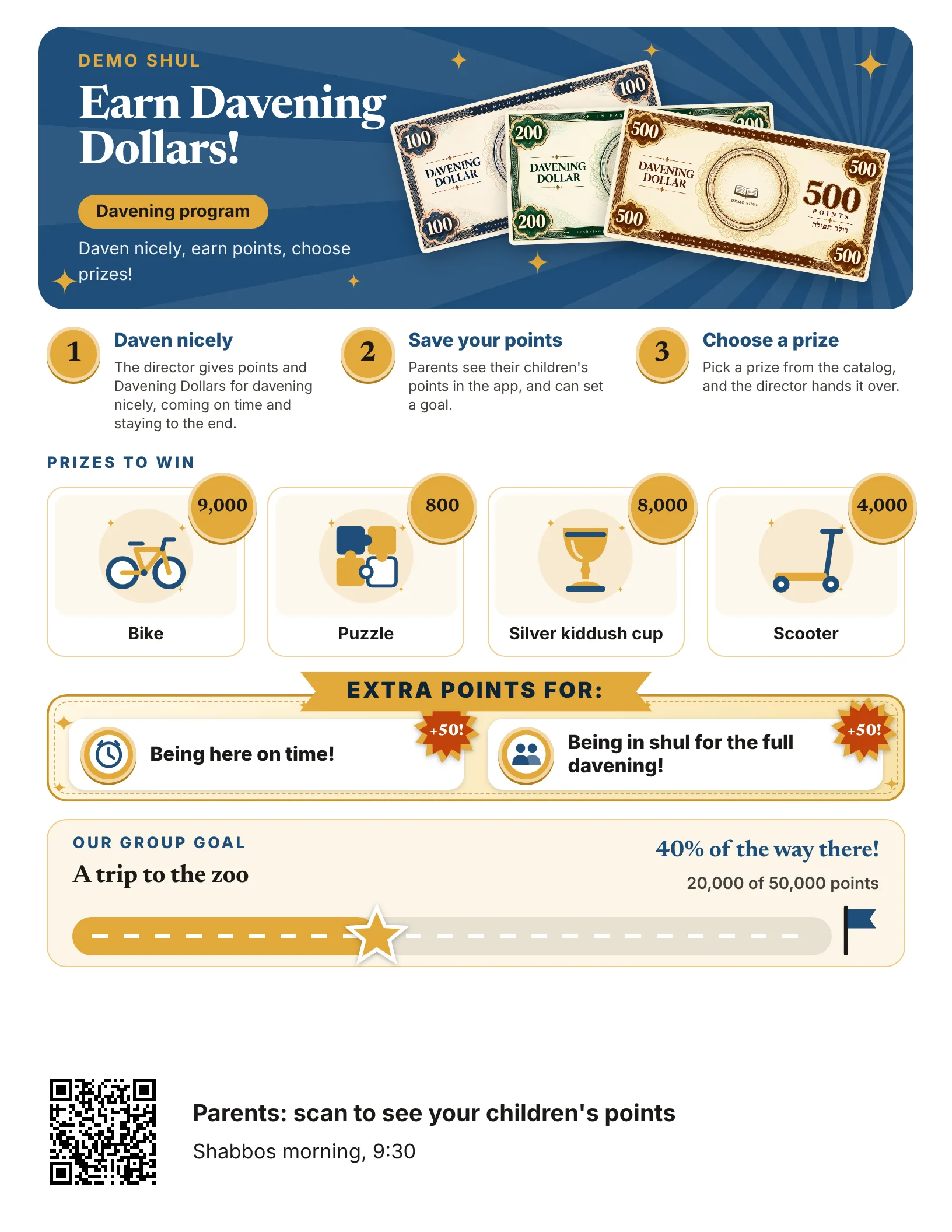
Children earn points for davening and save up for a prize they choose. Parents follow along. The director runs it from a phone.
Runs itself
Turn on what you want once. After that it happens on its own, every week.
Families hear ahead of time, by the Hebrew date.
Zelle, bank and charity-fund payments are matched to the right family. You confirm.
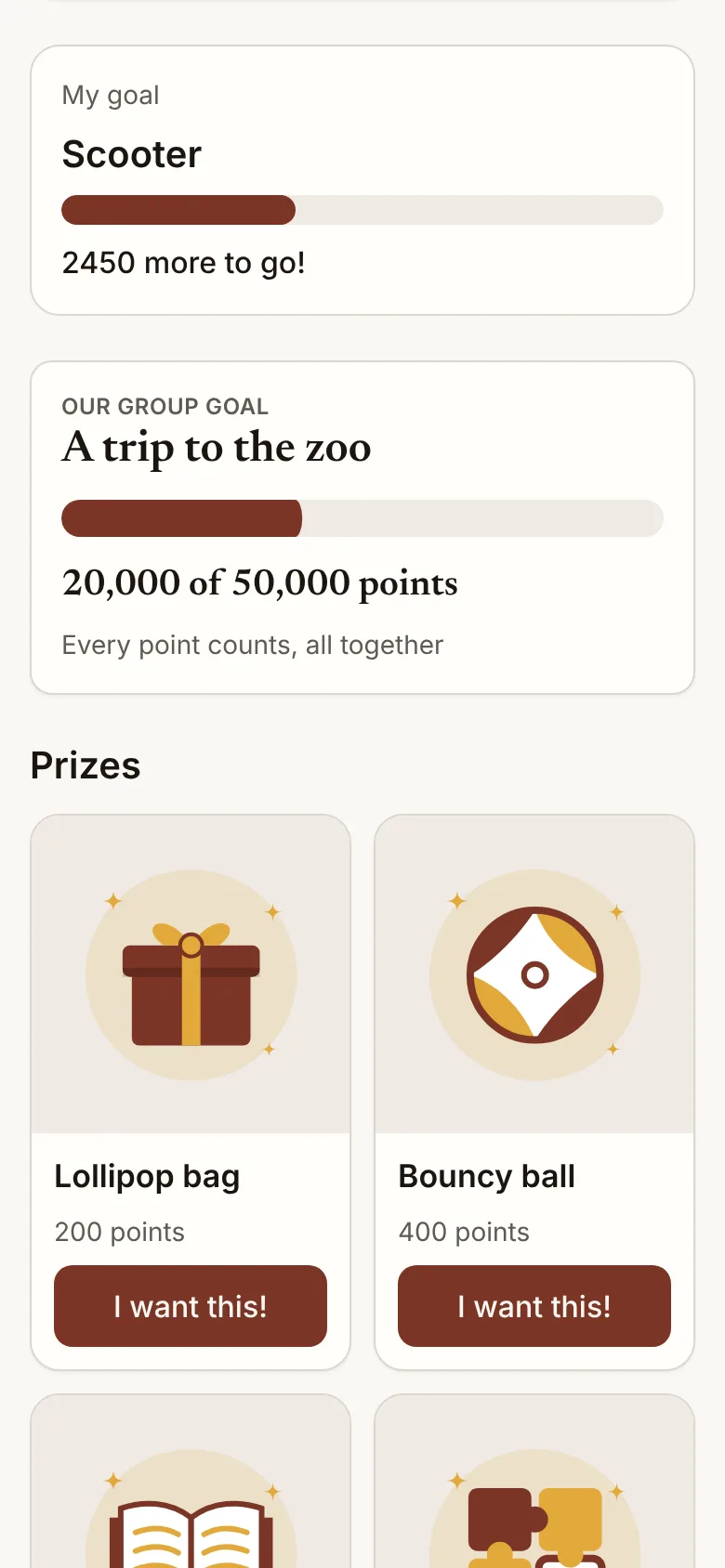
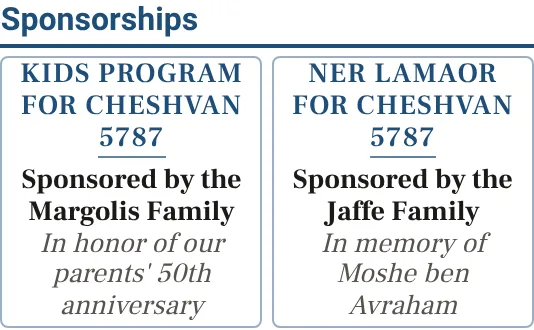
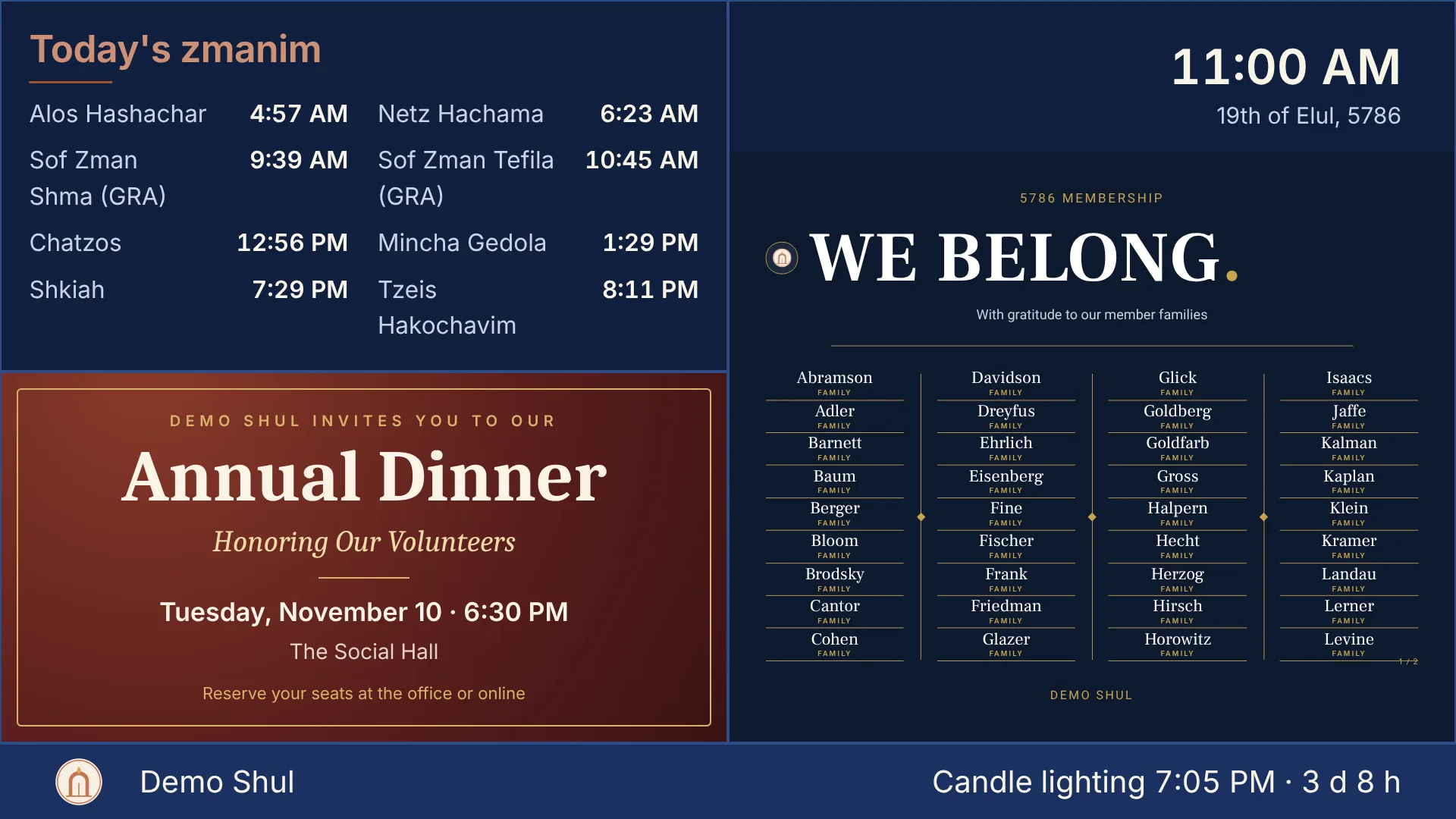
Zmanim, davening times, the parsha, sponsors and yahrzeits fill in by themselves.
Zmanim, yahrzeits, sponsors and announcements update themselves.
Ready every Friday, at the time you choose.
A thank-you receipt after every payment, and each January the year's tax receipts ready for you to send.
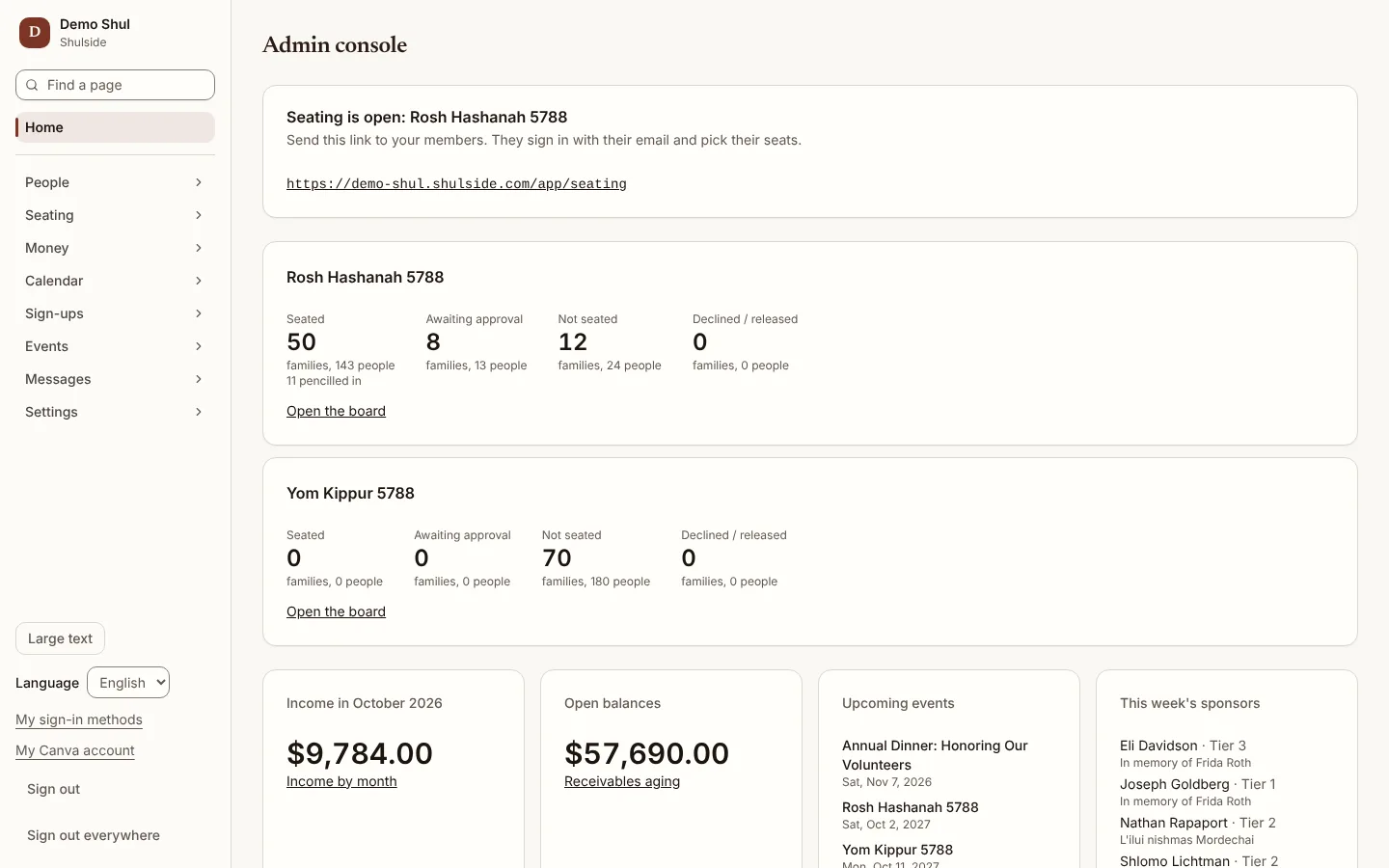
Opens and closes on the dates you set, and families are told.
Tasks, minyanim, shiurim and events: reminders go out to the right people.
Nothing goes out on Shabbos or Yom Tov, receipts included, and automatic charges wait until it ends.
See everything Shulside does automatically →New this season
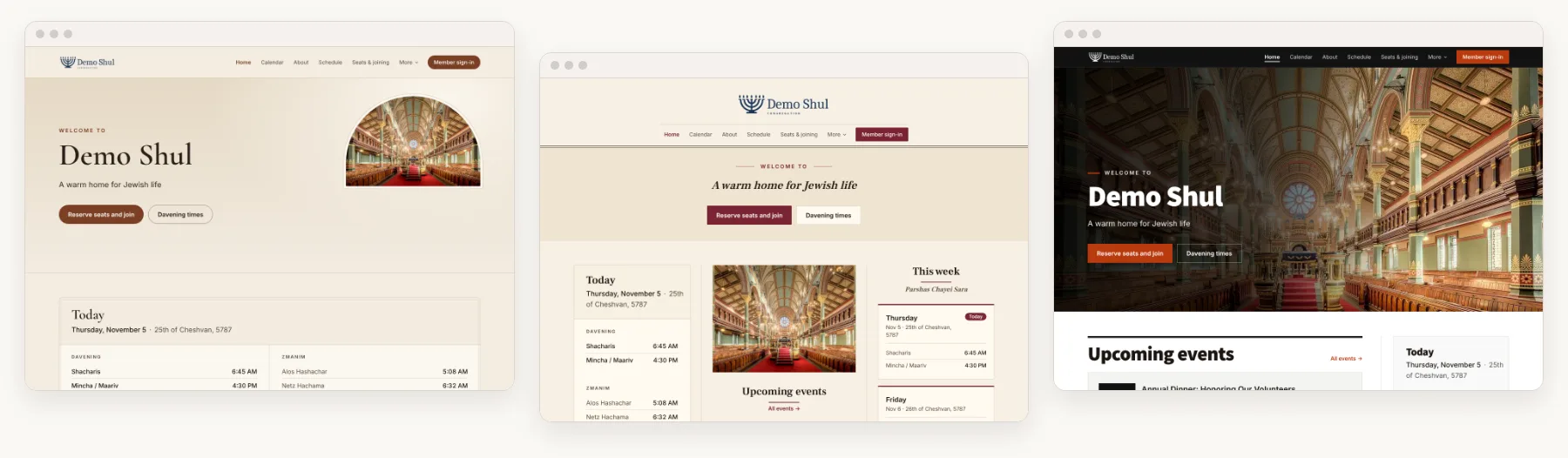
Real pages from Shulside's demo shul. Tap one to see more.
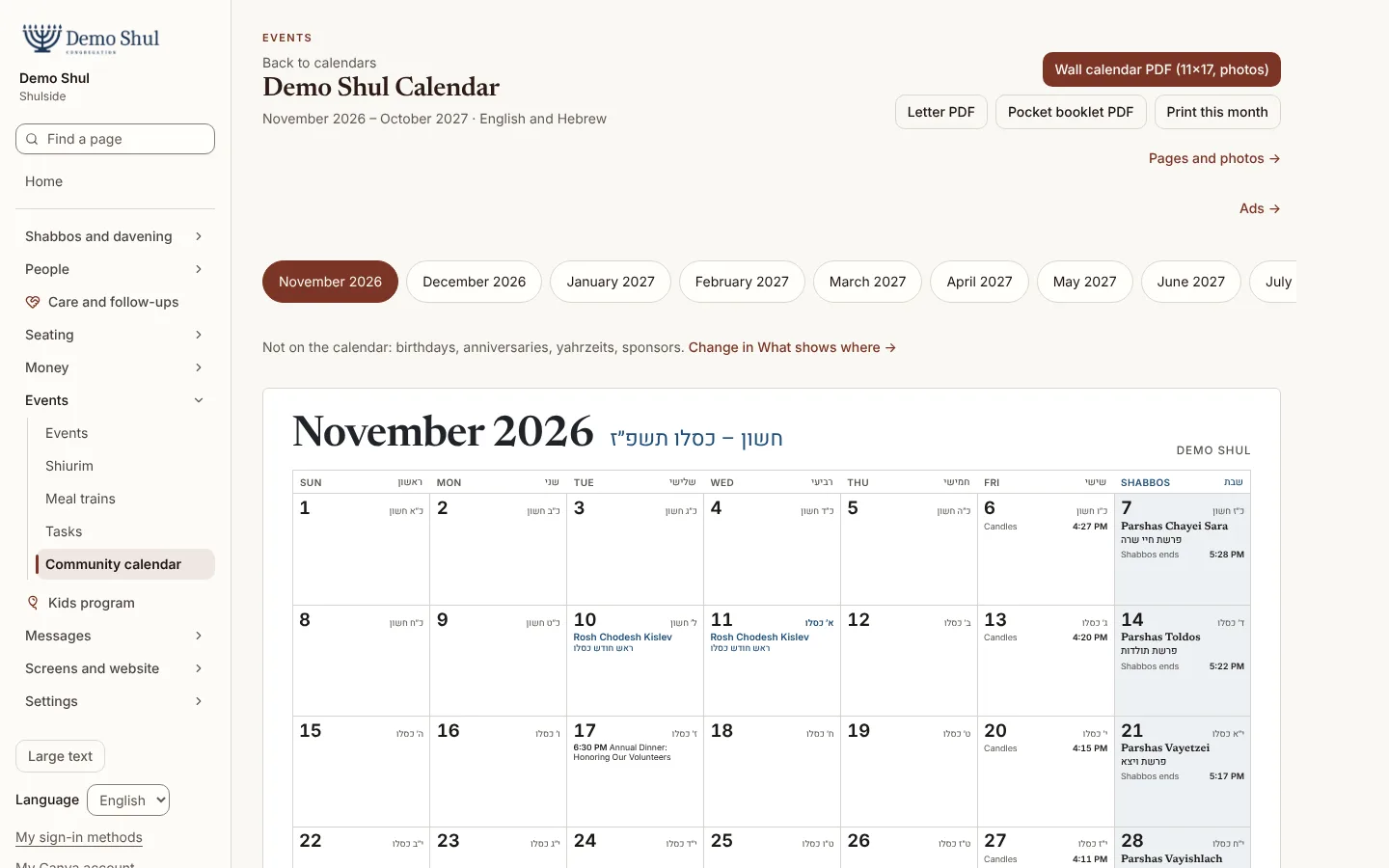
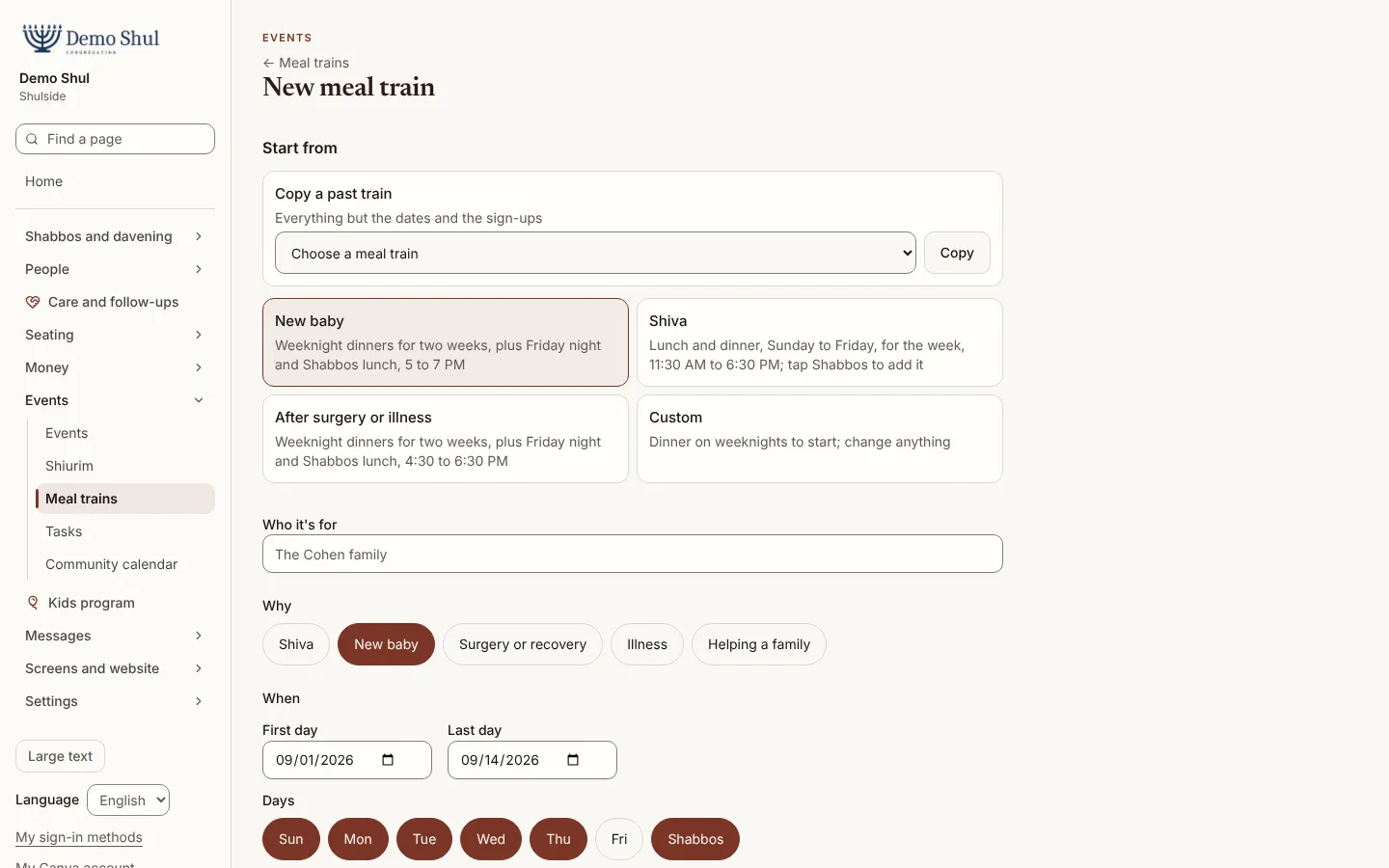
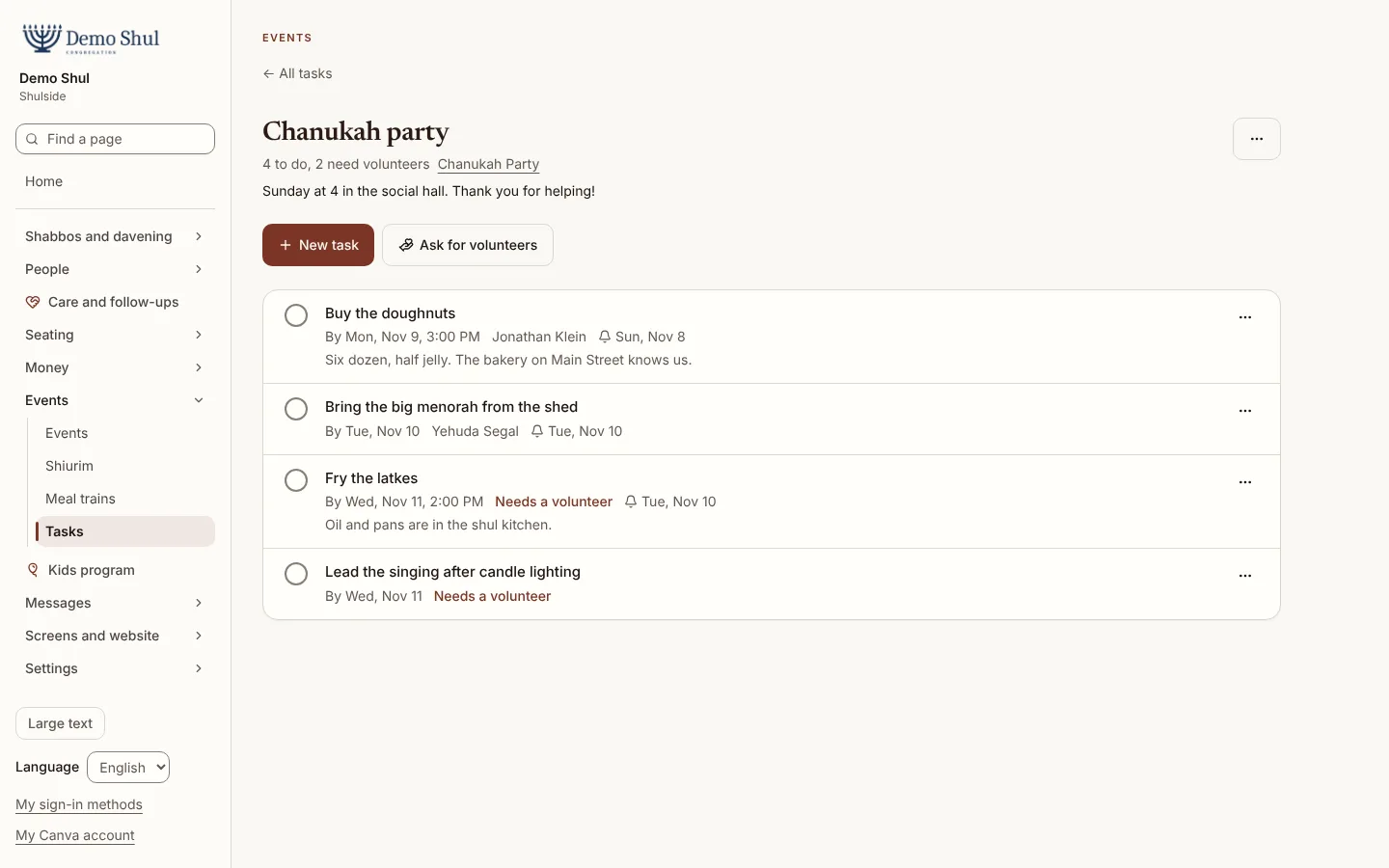
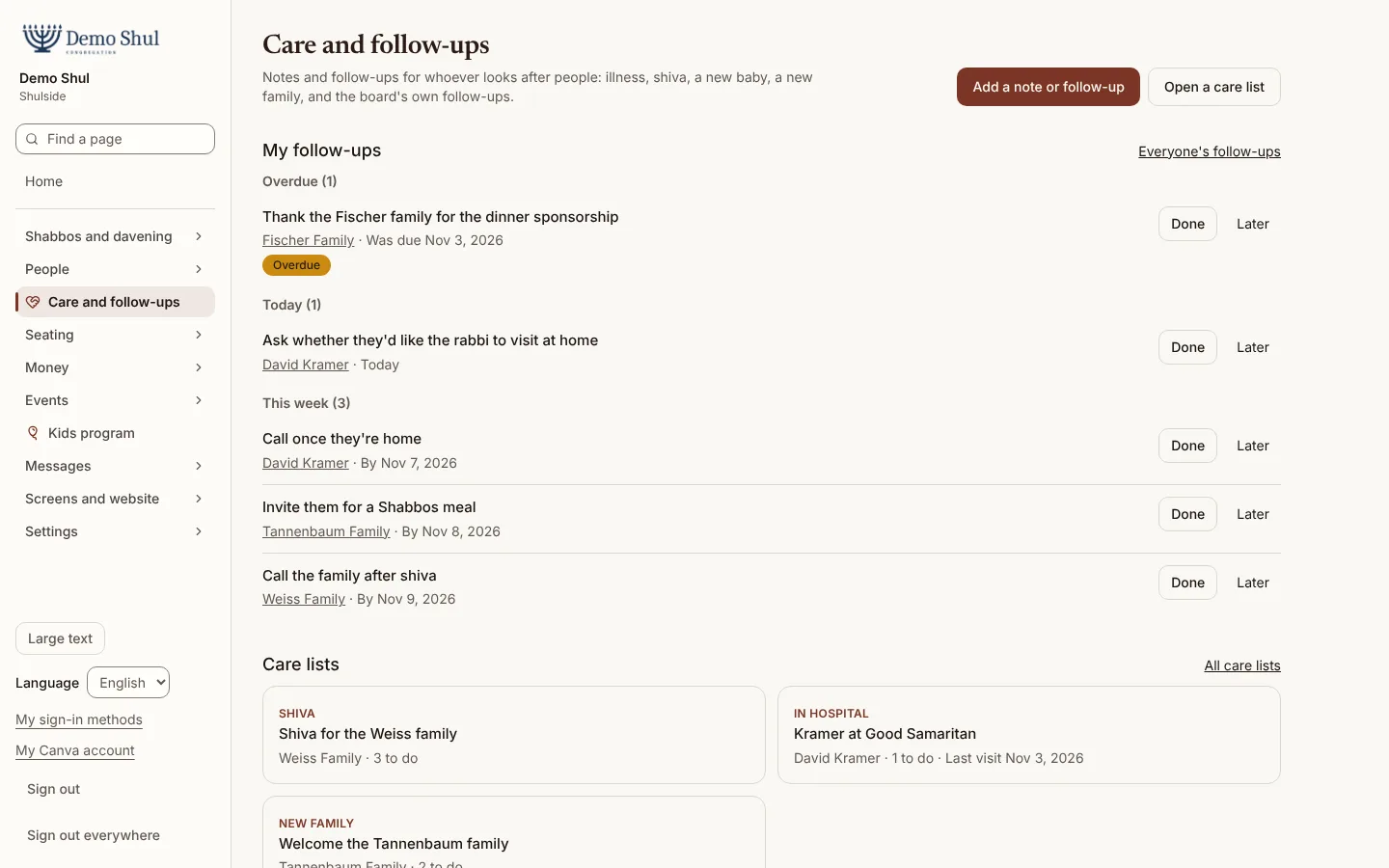
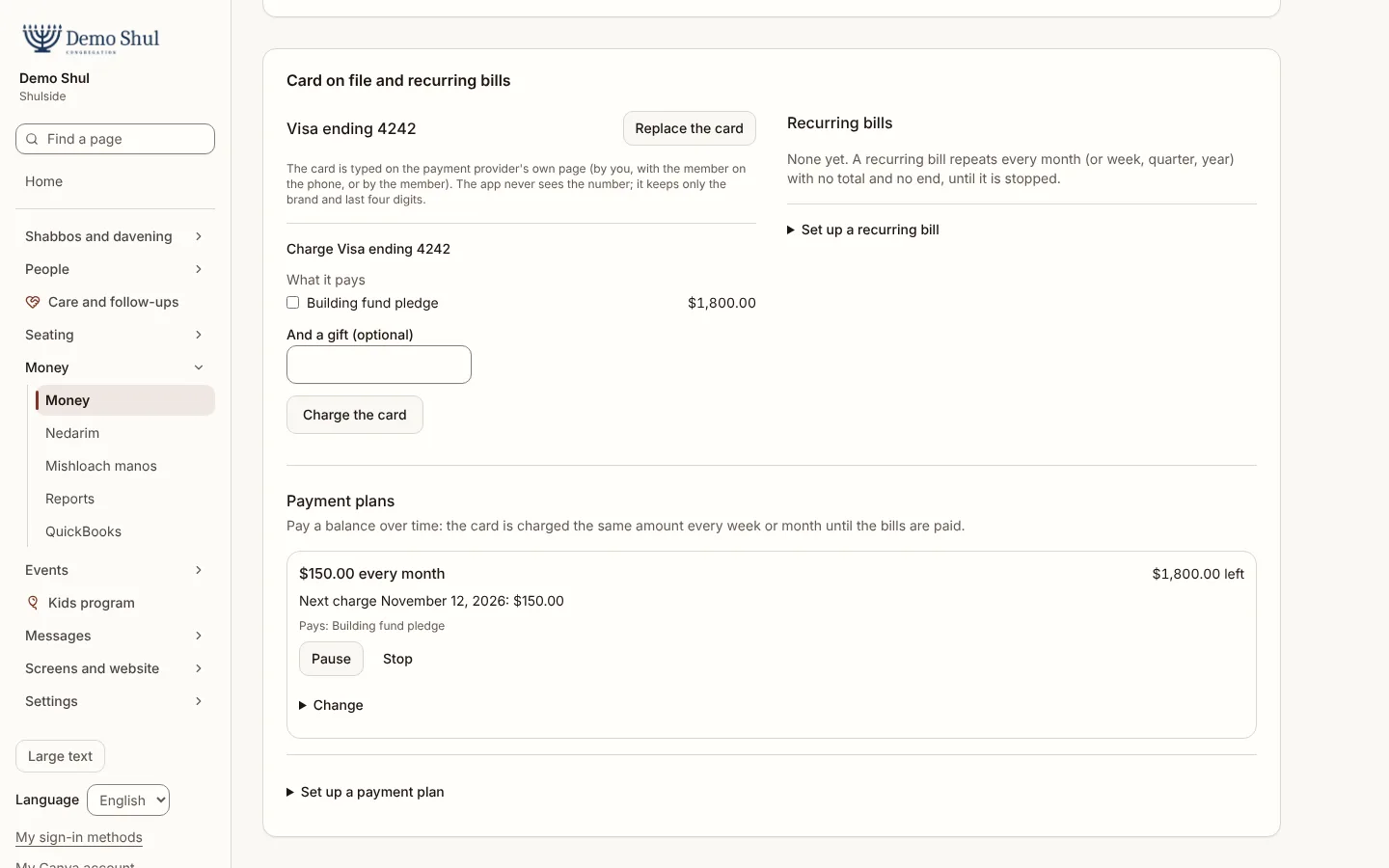
Everything in one place
Sponsorships and pledges that bring in more, less chasing for the office, and members who can see where things stand.
Shabbos and davening
Giving and payments
Yahrzeits and simchas
For members
See also: Care and follow-ups
Events
See also: Volunteers and tasks · Community calendar
Screens in shul
Easy and modern
See also: Everything it does automatically
In safe hands
A seat is held the moment it is tapped, for one family only, however many are choosing at once.
Every amount is recorded once and never edited; a correction is a reversing entry, with an audit trail.
Each shul is walled off from every other in the database itself, and nobody at Shulside opens your account without leaving a record.
The owner can export the shul's people, households and ledger at any time.
Switching
Start the same day. We do the move for you, and your history comes too: members and families, yahrzeits, pledges and balances, and past payments and donations. Saved cards move where your old processor allows.
Members, families, yahrzeits, last year's seats, and past payments and donations, in whatever shape they are in today.
Your funds and membership tiers, the kiddush calendar, and your sanctuary drawn from its seating chart.
Which reminders go out, the Friday list, the kiddush tiers, the seating windows.
Members sign in from their phones; the office watches it come together.
Pricing
One flat price per shul, whatever the size of your membership. The usher app, and texts on Standard and Full, come with the plan, not as add-ons.
The seat map, priority windows and makom kavuah, with your people and households. No lobby screens.
$49 a month
Launch price · Regular price: $99 a month
First month free · No setup fee
No card required
Everything in Seating, plus the calendar and yahrzeits, sign-ups and aliyos, money, messages, documents and reports, and one lobby screen.
$79 a month
Launch price · Regular price: $149 a month
First month free · No setup fee
No card required
Everything in Standard, plus events, the gallery, your shul's own website and up to five lobby screens.
$99 a month
Launch price · Regular price: $199 a month
First month free · No setup fee
No card required
Launch offer: your first month free and no setup fee.
Card and bank payments: Stripe's standard rate plus 0.25% to Shulside. Donors can choose to cover the fee.
Set everything up privately: nobody at your shul hears from Shulside until you're ready.
Ask about pricingQuestions
No download needed. Members use the shul's own web address on any phone or computer, and can add it to their home screen to use it like an app, with notifications if they turn them on. The gabbai, the ushers and the treasurer also have a staff app.
Yes. Families ask for an aliyah online, the gabbai gives them out on a board, and the Friday list goes out by itself with a printed copy. Kibbudim for the year can be sold or given.
Yes. Members pay dues, pledges, a kiddush or a sponsorship by card, and dues can go on autopay. The money goes to the shul's own account with the payment provider.
Messages, reminders and receipts never go out on Shabbos or Yom Tov, and autopay and payment plans charge nothing until it ends. Lobby screens switch to a quiet display by themselves: frozen, or one fixed slide, your choice.
Three ways. Import your families and money history (open balances, pledges and payments) from ShulCloud or QuickBooks, or from an Excel or CSV file; an import never sends anything to your members. Send us your spreadsheet and last year's seating chart, and we bring it in for you. Or send families the link to your seats and membership form: they fill in their name, email and phone and choose their seats and membership, and the office reviews each one.
Yes. That is makom kavuah: each family's seats from last year are held for them until your renewal deadline. After it, unclaimed seats go to the next window.
Yes. The Seating plan exists for exactly that. Who sits where exports to a spreadsheet for whatever system you use today, and you can add the rest later.
No. Any TV with a browser, or a small streaming stick like a Fire TV or Chromecast, pairs with a code. We set the first one up with you.
No. The whole app is also in Hebrew, right to left, and Hebrew names, Hebrew dates and the Hebrew calendar are built in.
Yes. Each shul is walled off from every other, every file is backed up every night, and the papers you choose go in a vault with a sign-in check, access per folder and a log of every open.
Any time. The shul's owner can export its data whenever they like.
A version for churches is on the way. Today Shulside is built for shuls.
Start today and have the basics running in an afternoon, or let us show you your own shul first. We move the rest over for you, history and all.