Lobby screens that run themselves
Zmanim, davening times, events, sponsors and your members' wall on any TV in the shul, always current, with nothing to update.
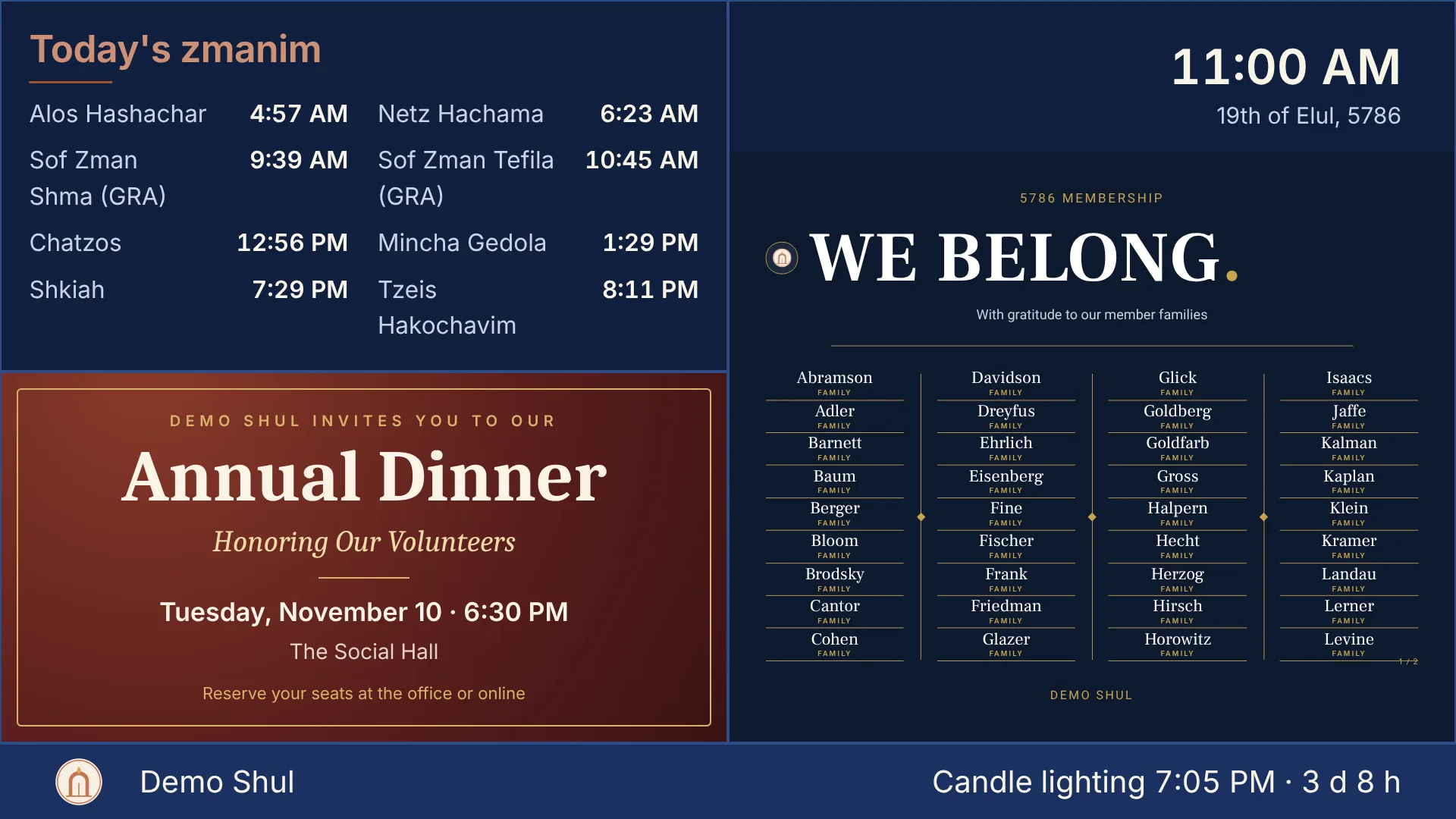
Everything the lobby needs, on one screen
This week's times, the coming events and the membership wall, laid out for the room. It updates itself from the same data as the sheet.
Honor your sponsors where everyone sees them
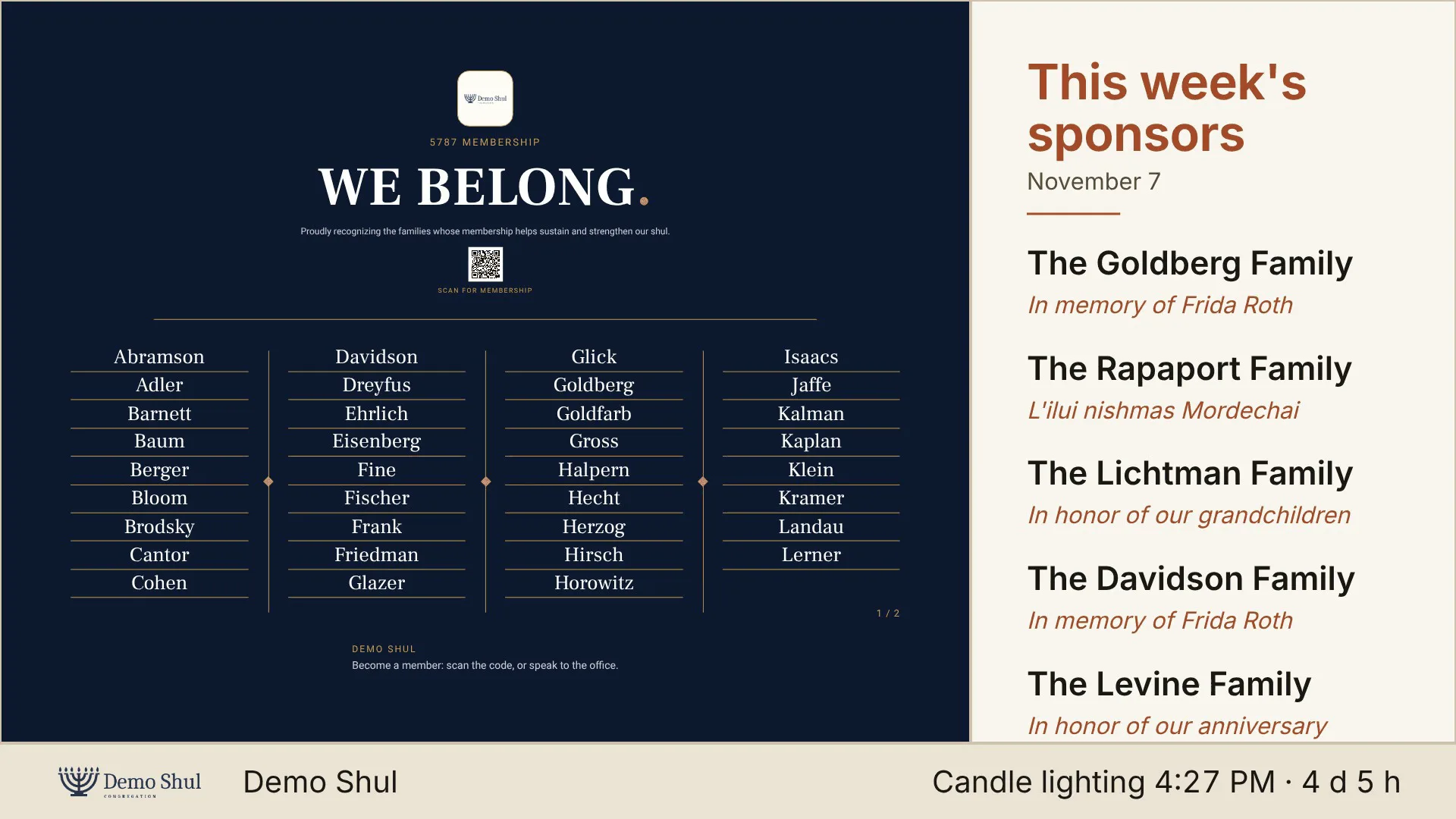
Kiddush sponsors and campaign meters show as gifts come in, so the room sees the shul's generosity.
Set up in minutes from the office
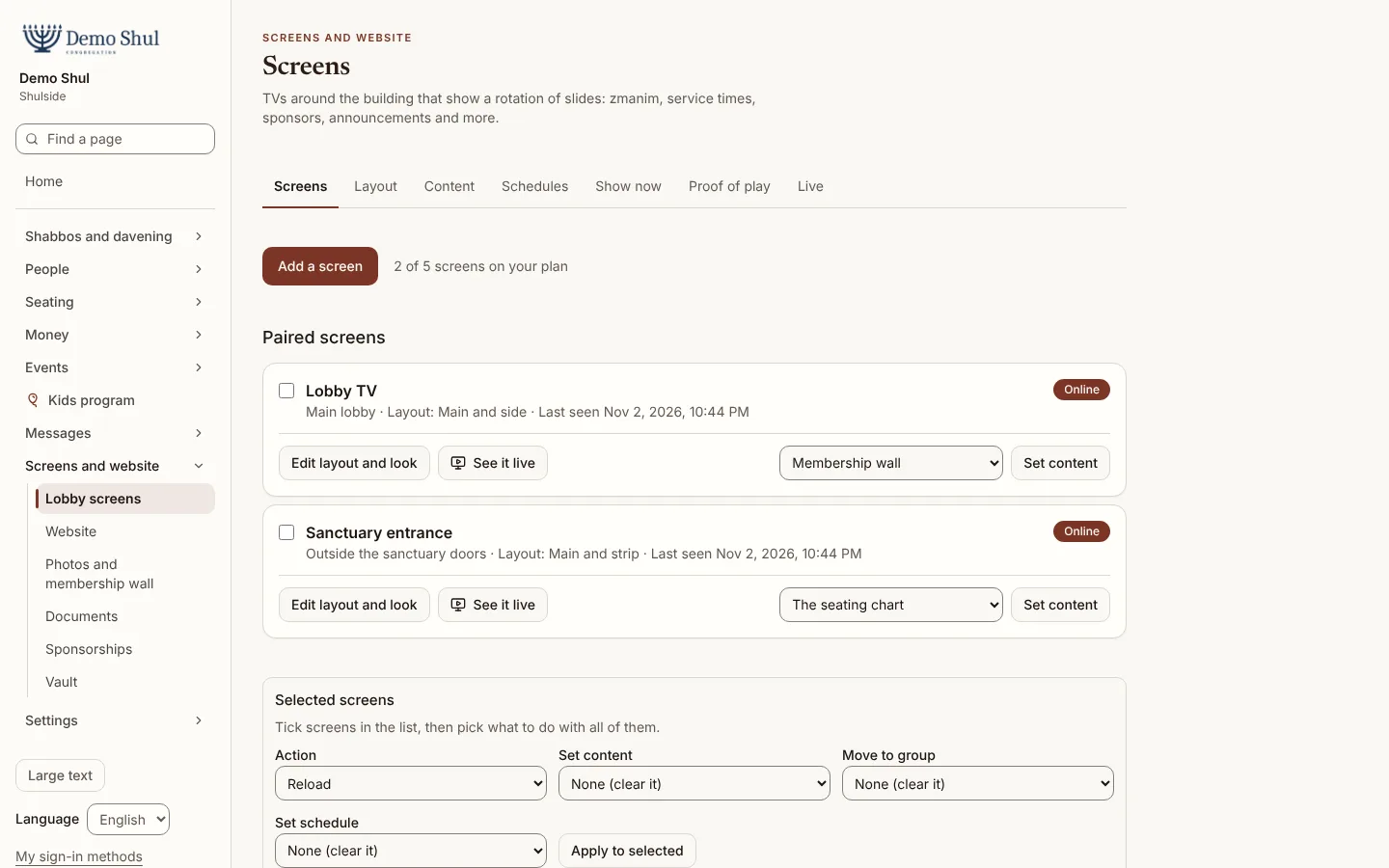
Pair a TV with a code, pick a layout and choose what each part of the screen shows. Change it from your computer.
How it works
Open the screen's address on any smart TV or small computer and enter the pairing code.
Pick a layout and what each zone shows: times, events, sponsors, photos or the wall.
Leave it. It updates itself and keeps to Shabbos and Yom Tov settings you choose.
Questions shuls ask
What hardware do we need?
Any TV with a web browser, or a small streaming stick or computer plugged into it.
What happens on Shabbos?
You choose what shows on Shabbos and Yom Tov; nothing needs touching.
Can we show our own flyers and photos?
Yes. Upload images or flyers made in Canva and add them to a playlist.
Can we run several screens?
Yes. Each screen has its own layout, for the lobby, the social hall or the women's section.
More that works with it
- A Shabbos sheet that fills itselfZmanim, davening times, the parsha, sponsors and yahrzeits land on the sheet by themselves. Print it, email it, put it on the screens.
- Online giving, dues and autopay for shulsA simple giving page, monthly gifts and dues on a saved card, and pledges that remind themselves. Members give in seconds; the treasurer stops chasing.
- A kids program that gets children to shulChildren earn points for coming, davening and learning, and save them toward prizes they choose. Parents follow along on their phone.
See it on your own shul
Two short videos show the office and the members' side. Or book twenty minutes and we'll show it with your own sanctuary, families and davening times.