Switching from ShulCloud is quick, and your history comes too
Families, balances, giving history, saved cards and monthly gifts move over. We do the import with you, so the office keeps working.
We bring your data over
Upload your ShulCloud export and we match families, members and balances, step by step, with you checking.
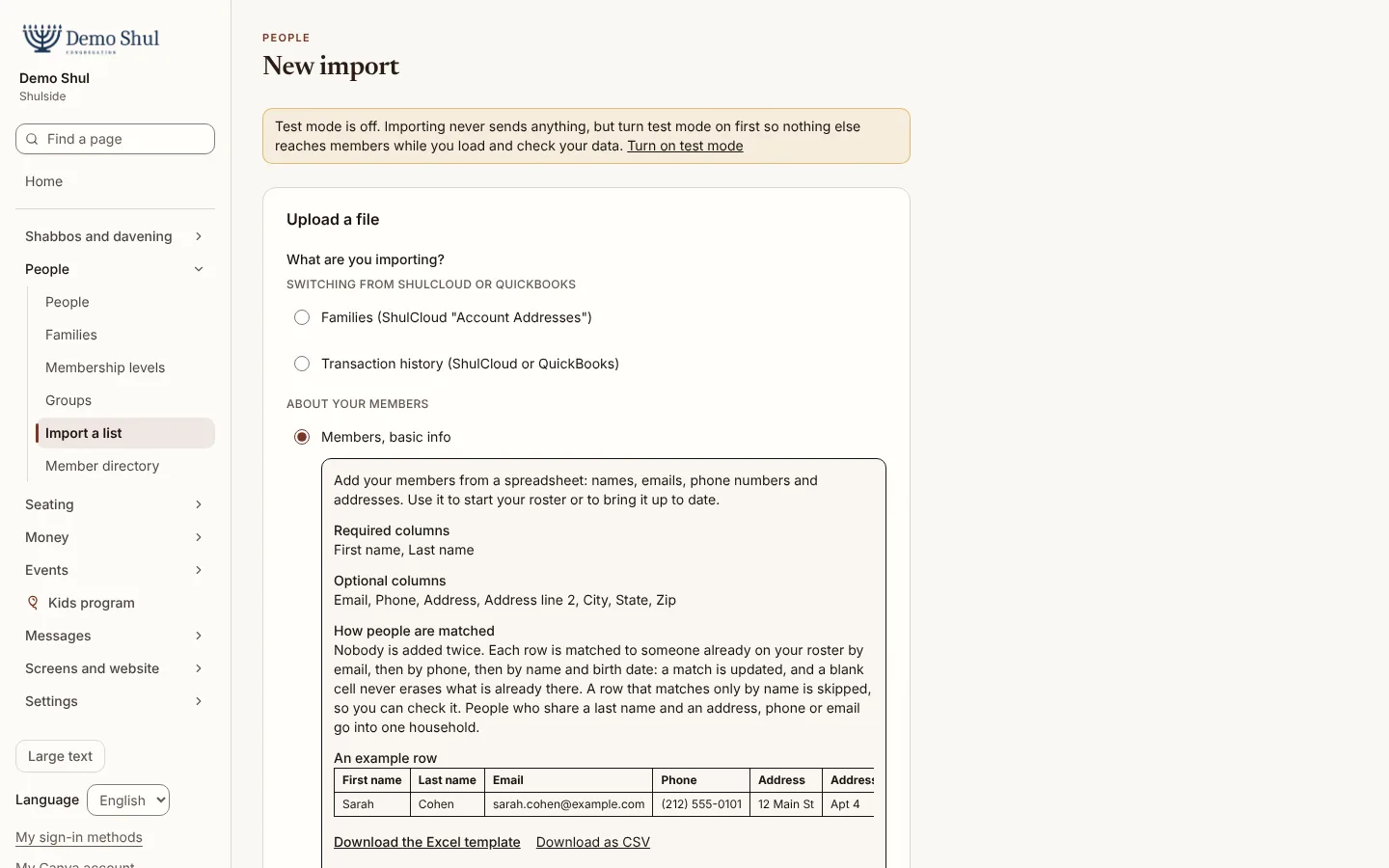
Balances and history arrive intact
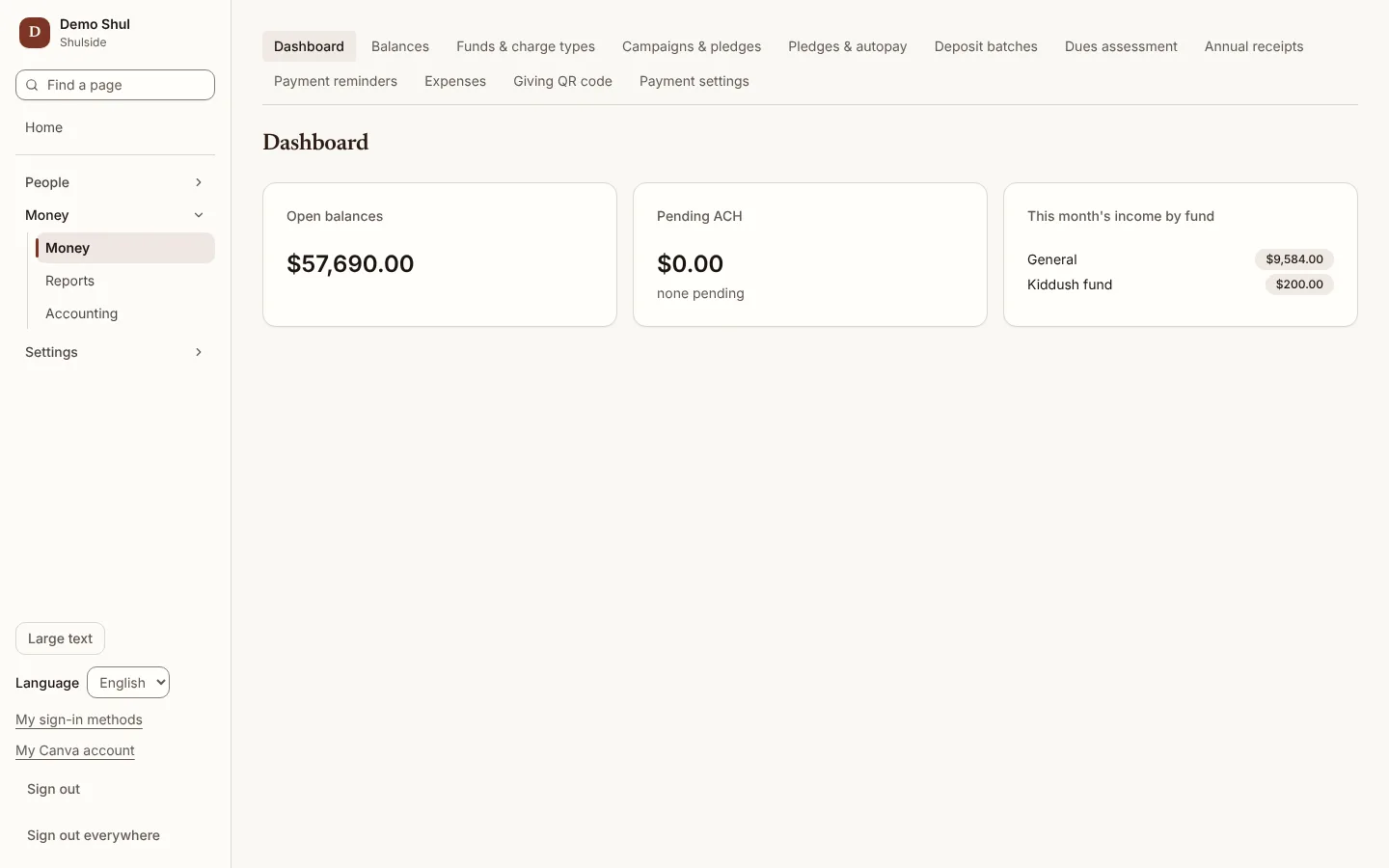
Open balances, past payments and pledges come with each family, so statements are right from day one.
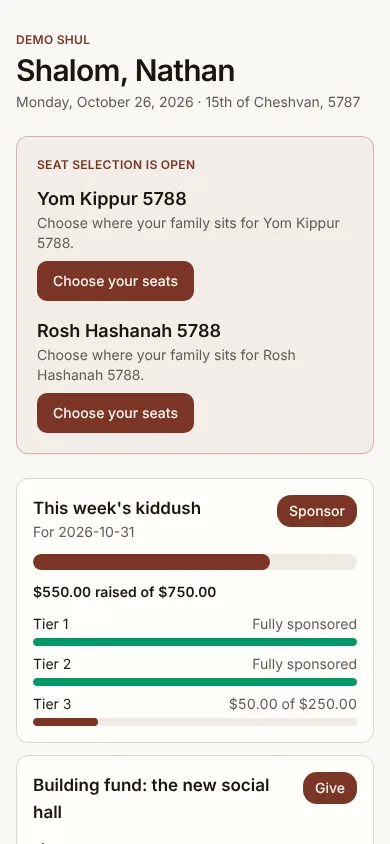
Members notice only the better app
Their family, their seats and their giving are waiting when they sign in.
How it works
Export your data from ShulCloud; we'll show you where.
We import it with you and check the totals together.
Members get their sign-in, and you switch over on the day you choose.
Questions shuls ask
Will collections stop while we switch?
No. You choose the day you switch, and saved cards and monthly gifts carry on from there.
Do saved cards and monthly gifts move?
Yes. Cards on file and recurring gifts move with the families, through the payment processor.
Will we lose our history?
No. Past payments, pledges and balances come with each family.
Does it cost extra to switch?
No. The import is included.
More that works with it
- Zelle, OJC and Donors Fund payments matched to familiesPayments that arrive outside your card processor are found, matched to the family and the charge they pay, and posted. You only check what the system could not place.
- Online giving, dues and autopay for shulsA simple giving page, monthly gifts and dues on a saved card, and pledges that remind themselves. Members give in seconds; the treasurer stops chasing.
- The shul app for members and familiesThe Shulside app gives every family their balance, this Shabbos's times, aliyah requests and minyan sign-ups, in English or Hebrew.
See it on your own shul
Two short videos show the office and the members' side. Or book twenty minutes and we'll show it with your own sanctuary, families and davening times.