Take a card payment on your phone, no reader needed
At the dinner, at the door or after Shabbos, the treasurer's phone takes a tapped card or phone for dues, an aliyah, a neder or a gift.
Payments where people are
Open the family, choose what they are paying for and hand over the phone to tap.
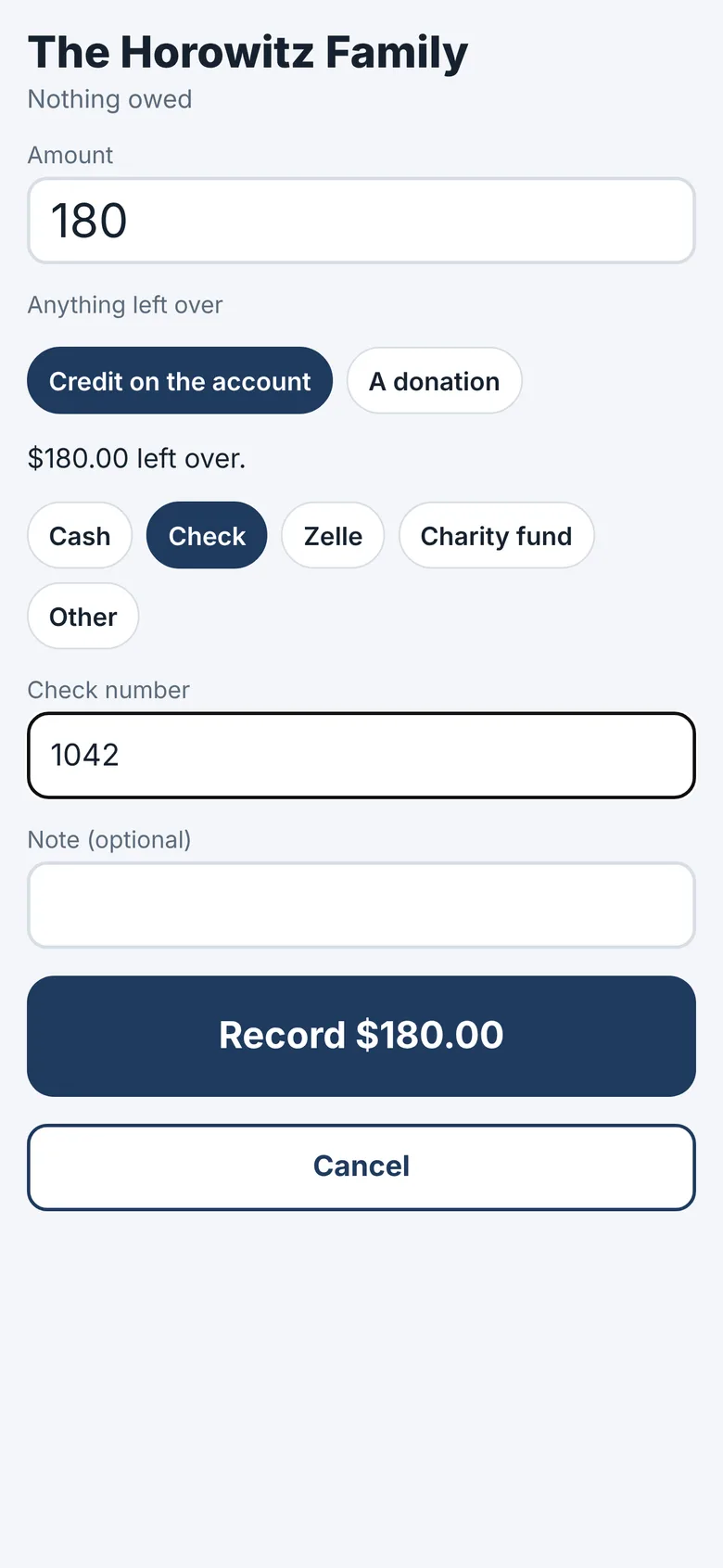
Cash and checks too
Record cash, checks, Zelle or a charity fund at the same table, on the same balance.
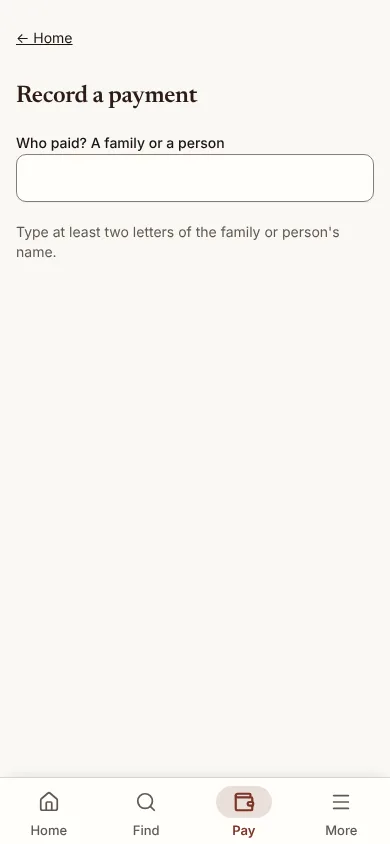
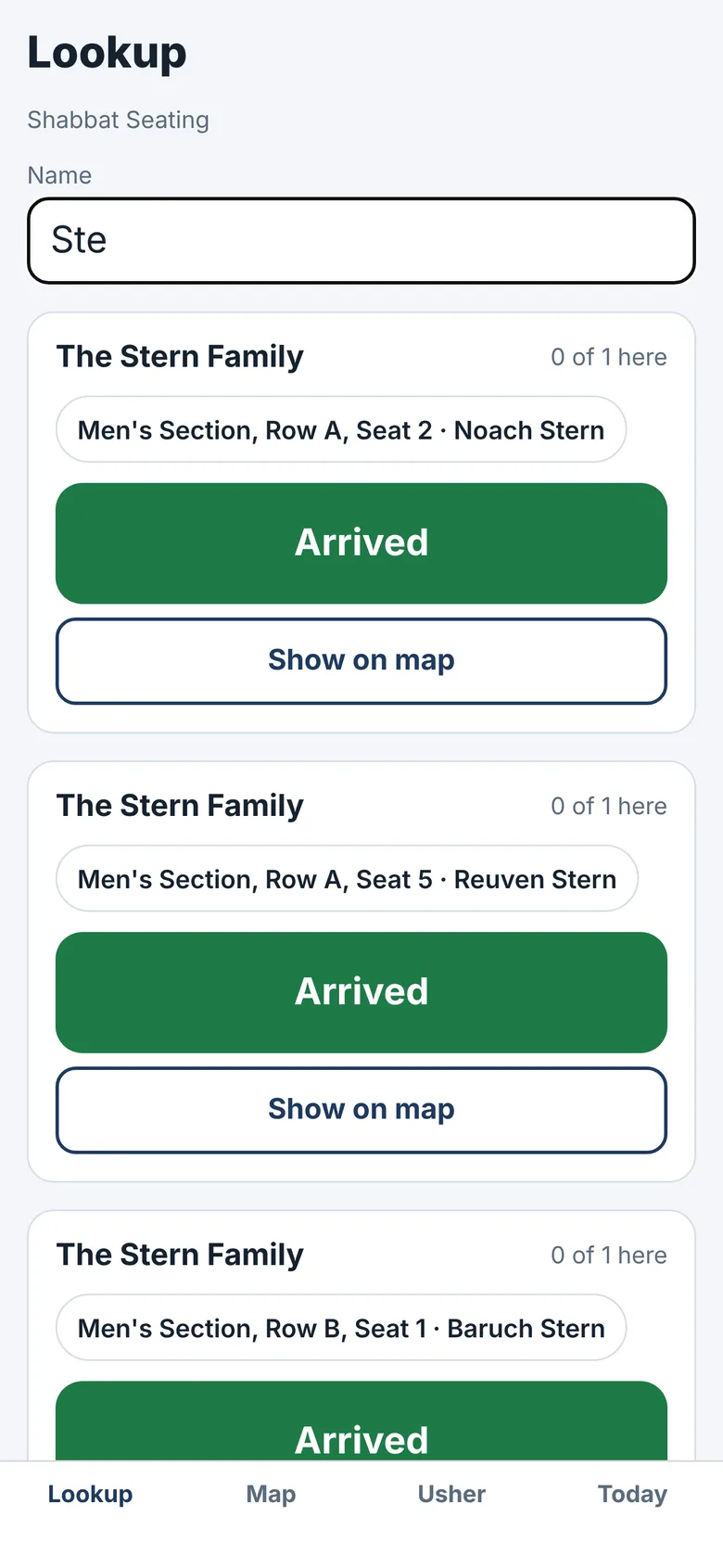
Find the family in a second
Type a few letters of the name and see what they owe.
How it works
Turn on card payments for the shul.
Open the family in the app and choose open charges, an aliyah, a neder or a gift.
They tap their card or phone; the payment posts and a receipt is emailed.
Questions shuls ask
Which phones work?
Android phones with NFC today, and iPhone XS or newer once Apple approves the shul's account.
What does it cost?
The same card rate as online payments; no reader to buy.
Is it secure?
Yes. The card is read by the phone's secure chip and goes straight to the payment processor; we never see it.
Do receipts go out?
Yes. A receipt is emailed when the family has an email on file.
More that works with it
- The shul app for members and familiesThe Shulside app gives every family their balance, this Shabbos's times, aliyah requests and minyan sign-ups, in English or Hebrew.
- Online giving, dues and autopay for shulsA simple giving page, monthly gifts and dues on a saved card, and pledges that remind themselves. Members give in seconds; the treasurer stops chasing.
- Zelle, OJC and Donors Fund payments matched to familiesPayments that arrive outside your card processor are found, matched to the family and the charge they pay, and posted. You only check what the system could not place.
See it on your own shul
Two short videos show the office and the members' side. Or book twenty minutes and we'll show it with your own sanctuary, families and davening times.